Build a colour palette with useful roles and test readable text combinations in an interactive colour lab for websites and everyday brand materials.

Choose colours through brand character and intended use. Assign background, text and accent roles, then test real combinations. An attractive palette is not yet a usable colour system.
You have found five colours that look wonderful together. On the website, the smaller text almost disappears into its background. This is the moment a palette needs a job description. Brand colours should express character while supporting headings, body text, buttons and images. Otherwise they may work beautifully as a row of swatches and struggle everywhere else.
What should your brand colours help communicate?
Start with positioning and context. Should the brand feel calm, direct, playful or matter-of-fact? Which materials, images and lighting conditions belong to that idea? These questions provide direction without automatically prescribing particular hues. There is no universal formula in which blue guarantees trust or another colour inevitably produces sales.
Meaning depends on context: culture, category, proportion, typography and imagery all contribute. A dark colour covering a large surface creates a different impression from a fine line in the same shade. Test applications rather than swatches alone. The useful question is both which colour belongs and how much of it should appear beside everything else.
Give each colour a role
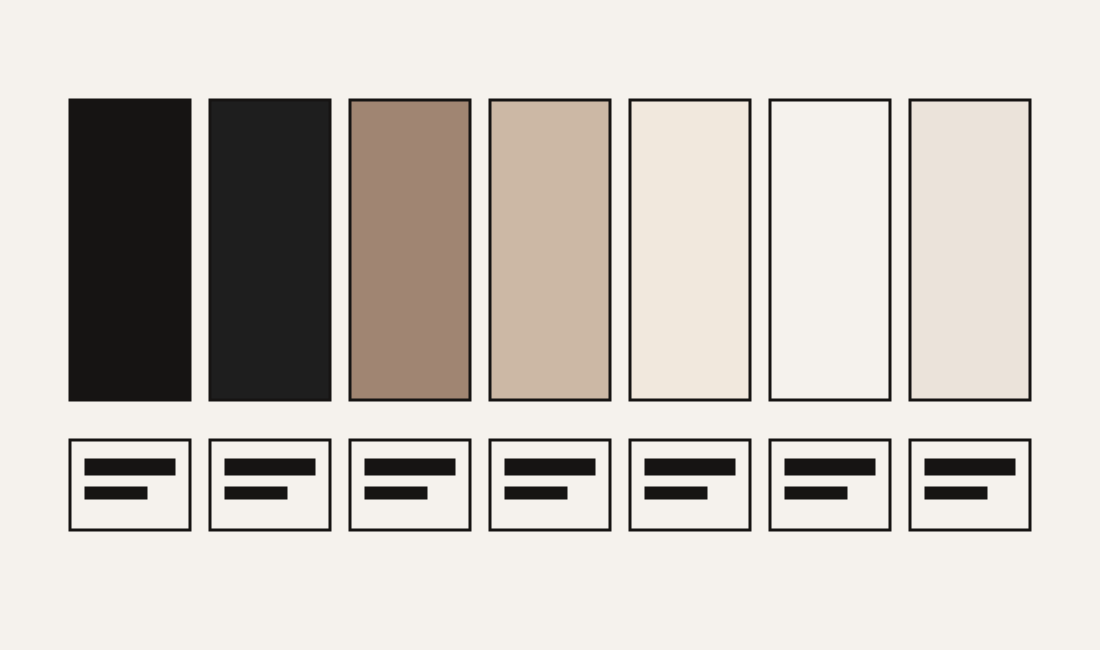
A palette becomes practical when its colours have responsibilities. A text colour must remain readable on its intended backgrounds. A surface colour can give content room. An accent can draw attention, but becomes less useful if every element shouts with it. Colours do not need equal areas of the page to belong to the identity.
- Main surface: the background used behind a substantial share of content.
- Text: a dependable combination for paragraphs, navigation and smaller details.
- Secondary surface: a quieter change of pace between sections.
- Accent: deliberate emphasis for selected elements and moments.
- Function: understandable focus, selection and feedback states.
For wild & co., Ink and warm light surfaces form a useful foundation. Sand and Taupe add warmth without automatically being suitable for small text. The approved brand colours stay intact; their application determines which combinations work. Another brand needs its own reasoning rather than inheriting our palette simply because it is available.
Colour lab: put the palette to work
Choose a text colour and background from our palette below. The lab calculates contrast from the sRGB values and displays actual sample text. It shows why two harmonious colours may work as neighbouring surfaces but become a poor choice for a paragraph. The calculation applies to opaque, solid colours.
WCAG level AA generally requires a contrast ratio of at least 4.5:1 for normal text and 3:1 for large text. The definition of large text depends on size and weight. The lab therefore uses the stricter threshold for its body-text recommendation. It does not audit an entire website or account for photographs, transparency and every interactive state.
The colour lab
Test three real applications
Apply the palette to a mobile service page, a social post and a quotation. Use genuine content. Long names, small contact details and buttons that wrap expose weaknesses more readily than perfect placeholders. Check that links have a recognisable cue beyond colour and that keyboard focus remains visible on both light and dark surfaces.
Look at imagery as well. Warm photographs against a warm background may reinforce the intended atmosphere or make details less distinct. A varied image library may need more neutral breathing space. Design the system around material the business commonly uses, instead of the one reference image that happens to fit perfectly.
A palette gives the brand character. A colour system helps people use it every day.
Screen and print require different checks
Colour on an illuminated display and colour on uncoated paper are produced under different conditions. A HEX value is not a complete print specification. Discuss the stock, process and appropriate profiles with the production team. For important printed materials, a suitable proof is more informative than assuming one value will appear identical everywhere.
Document digital values separately from approved production specifications. An adjustment for a particular print process does not automatically call for a change to the website palette. The goal is a coherent impression in real conditions. Expected material differences are distinct from an identity drifting through uncontrolled variations.

Document decisions people can follow
A concise colour sheet can do useful work: record values, roles, approved text pairings and a few real applications. Include combinations to avoid. Where the team uses templates, build these decisions into the templates themselves. A rule written in a guide does not prevent a pale button label from being pasted onto a pale background.
If you are reviewing an existing identity, bring more than favourite swatches. A website page, presentation and printed item reveal where the palette already works and where it needs support. They give us a concrete starting point for developing a system that feels like the business and remains useful in everyday communication.