Plan website goals, pages, content, imagery and features. Includes an interactive briefing checklist and questions for comparing proposals.
Clarify your audience, offer and next step first. Then organise content, responsibilities and technical needs. A useful website brief describes decisions before discussing colours.
You want a new website. The references you have saved look wonderful: one opens with an elaborate animation, another barely uses words. What does your own business need? A website can make a strong impression while leaving the important questions unanswered. Start by following the visitor’s journey. What must someone understand before they feel ready to contact you?
1. Choose an objective you can design around
“A more modern website” describes a wish. A useful objective might be: visitors should understand our advisory service, identify the right area of support and request an initial conversation. Now the page structure, language and contact route have a shared purpose. Different audiences may need different journeys without every journey competing in the first screen.
List three questions new customers ask before working with you. Suitability, process and preparation are common subjects worth investigating in your own enquiries. These questions belong early in the plan. They are often a better guide than your internal department structure, which may mean little to someone meeting the business for the first time.
2. Which pages does a business website need?
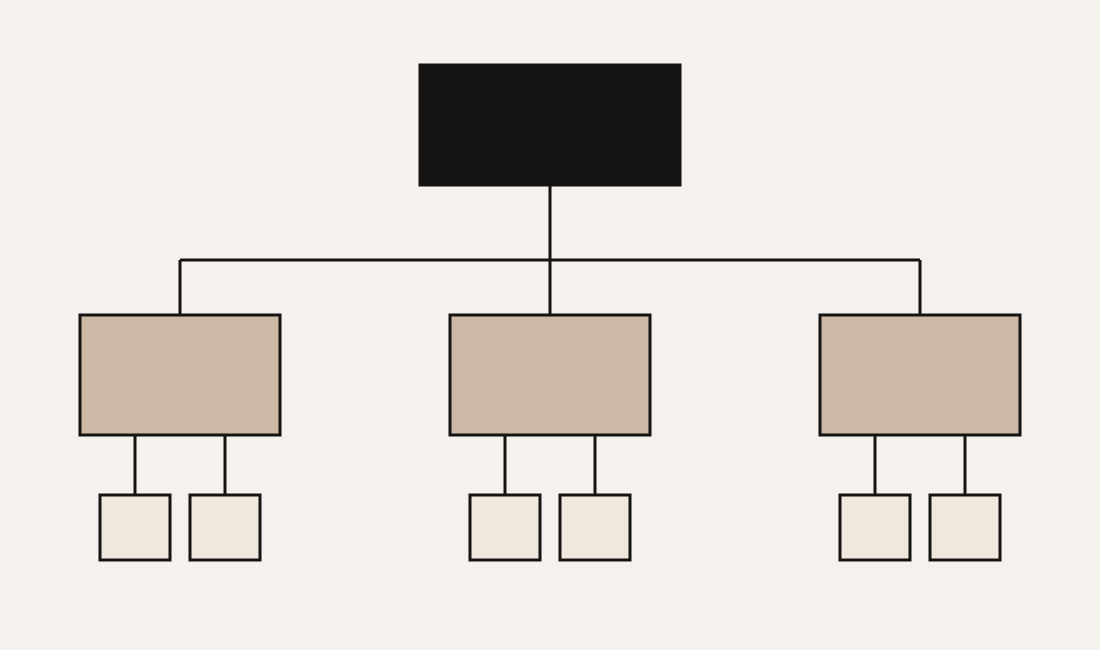
Home, services, selected work, about and contact are a possible starting structure. They are discussion points rather than mandatory pages. A complex offer may need separate service pages. A journal makes sense if you can answer relevant questions and maintain the material over time. It cannot do the job of an unclear service page for you.
Sketch a small sitemap. Write each page’s purpose and next step beside its name. If two pages say the same thing, consider combining them. If a key question has nowhere to go, a page or section may be missing. This turns navigation into a useful route through your business instead of a collection of attractive labels.
3. Gather content before designing around placeholders
Words and images affect the layout. A clear offer statement, three useful service descriptions and an understandable process are therefore more valuable than another folder of references. Identify what exists, what needs editing and who will provide the missing material. Agree on realistic dates, rather than assuming content will arrive just before launch.
- Copy: explain your offer, audience, value, process and contact route.
- Imagery: gather originals, intended subjects, usage permissions and suitable crops.
- Evidence: choose approved work, documented responsibilities and authorised testimonials.
- Ownership: assign responsibility for updates, enquiries, content and account access.
For example, “we will take team photographs” is not yet a production plan. You need the people, a date, a shot list and decisions about horizontal and vertical formats. These details allow photography and design to work together. Trying to fit unrelated pictures into a finished layout can create avoidable compromises.
4. Describe what each feature must do
A contact form needs a reliable delivery route and clear feedback. Booking might involve availability, payment or confirmation, depending on the service. These are different requirements. Describe the user action and the operational responsibility behind it. Who receives a message, responds to it and checks that the process is working?
Use the briefing checklist below as a working document. Mark only the decisions you can already explain. The indicator shows how much of this preparation you have completed; it does not grade your website. Download the open points for your next discussion. The tool does not submit an enquiry or store your answers on a server.
Your website briefing
5. Plan search visibility into the structure
Give each important page a search intention. A service page helps someone assess a provider. A guide can help them prepare a project. Headings should make those purposes clear. A distinctive opening line can still have personality, provided the surrounding context explains the subject. People arriving directly on an internal page should understand where they are.
If the site needs German and English, plan complete language versions connected by explicit links. Translating only navigation and buttons leaves the main content inaccessible to part of your audience. For a redesign, inventory existing addresses and map relevant old pages to suitable new destinations. This does not guarantee rankings, but it helps avoid losing useful routes into the business.
6. Design for movement, mobile screens and real tasks
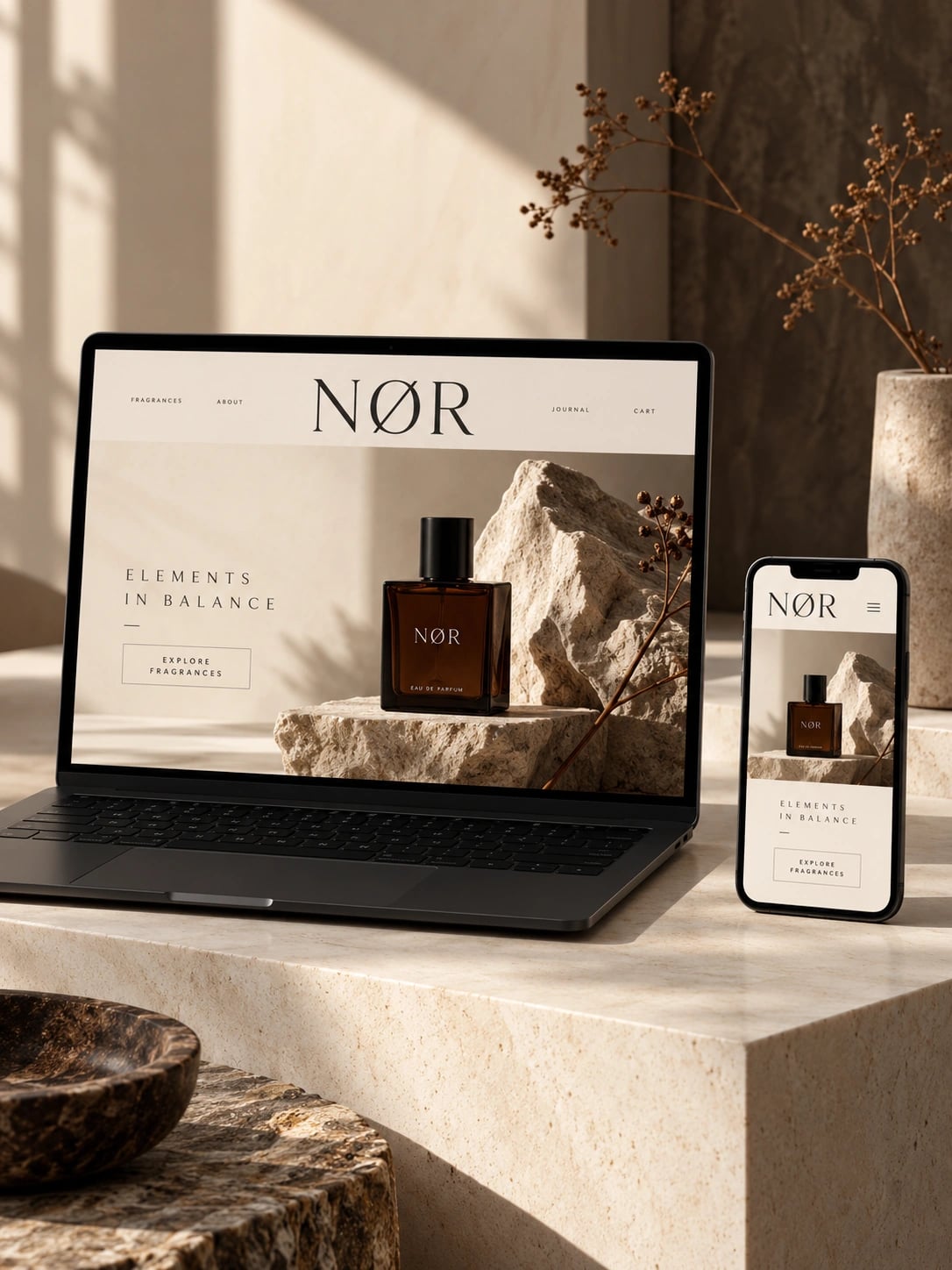
Animation can reveal a relationship, explain a sequence or express character. Continuous movement alongside a long explanation can also compete with reading. Identify the moment that benefits from movement and provide a quiet version for reduced-motion preferences. On a small screen, content and actions still need enough room to work.
Test a task: find the appropriate service and make an enquiry. Can someone complete the journey using a keyboard? Does it work on a narrow phone? Are text and feedback readable? Are images delivered in suitable sizes? The opening impression matters, but the rest of the journey deserves the same attention.
7. Compare proposals against the same brief
Clarify whether planning, copy, translations, imagery, development, redirects and handover are included. Record hosting, maintenance, licences and ongoing content responsibilities separately. Ask how approval works and what counts as completion. This makes proposals easier to compare and shows what will remain with your team after launch.
You do not need every answer before an initial conversation. Distinguishing decisions from open questions is already useful progress. Bring your sitemap, existing material and downloaded checklist. We can use them to explore what the website needs and which ideas deserve more room to develop.