Where AI images help a business, when real photography is better and how strong visuals are produced. Includes a decision path, common pitfalls and a rights check.
Use AI imagery for atmosphere, campaign worlds, spaces and moodboards. Real people, your team and product details call for photography. Strong results come from a concept, references, many iterations and retouching.
Search for «AI images» and you will find two kinds of advice: tools that promise everything in seconds, and warnings that it all looks fake. Neither helps much if you run a business. The useful question is narrower. Which images can you sensibly make yourself, and when does it pay to have them produced with proper direction? This guide sets out where AI imagery fits, where it does not and how a good result actually comes together.
Where AI images work for a business
AI earns its place when a picture needs to convey a mood, an idea or a setting that does not yet exist, or that would be costly to stage with a camera. Common uses include:
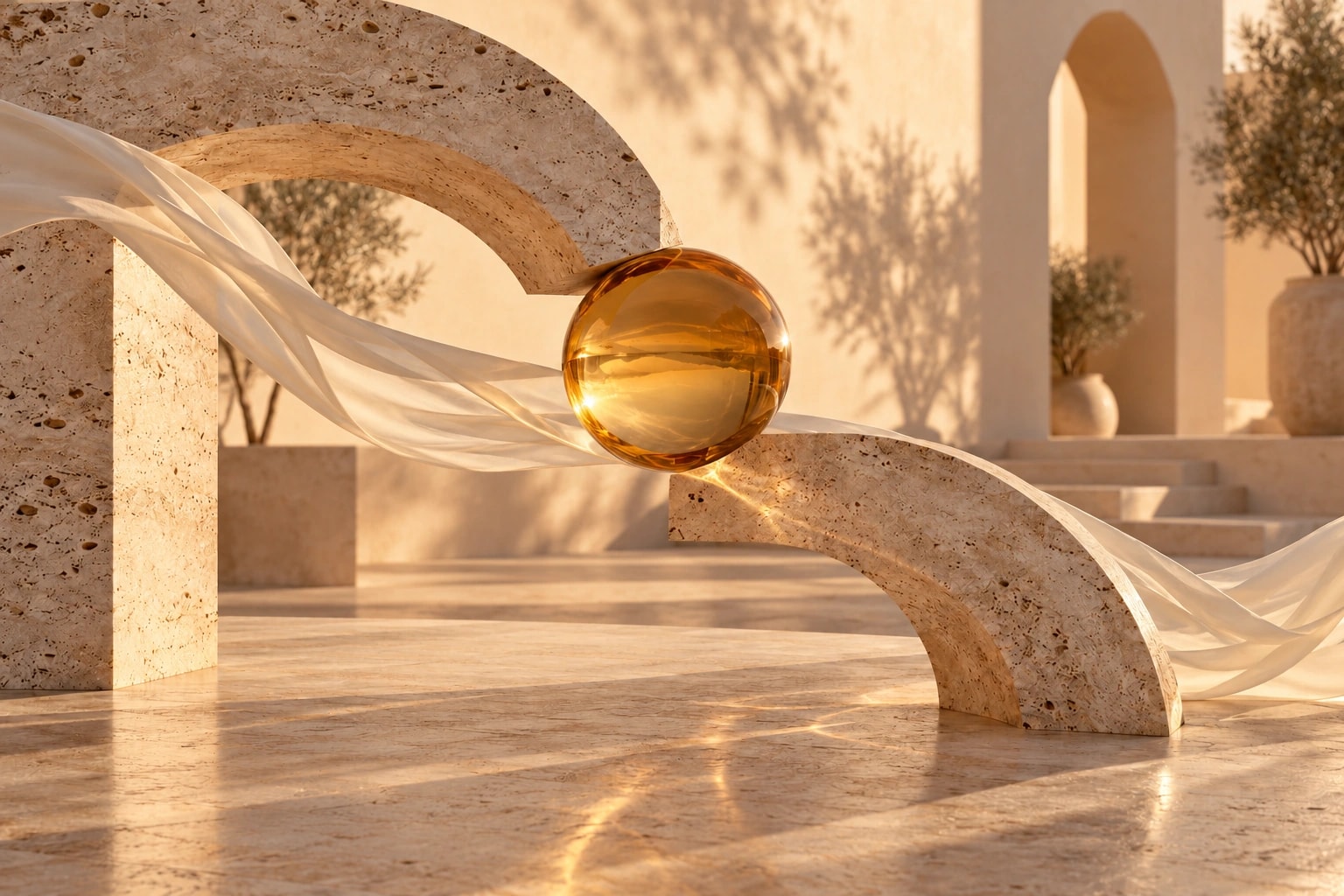
- Campaign worlds: a landscape, set or colour atmosphere that carries your message.
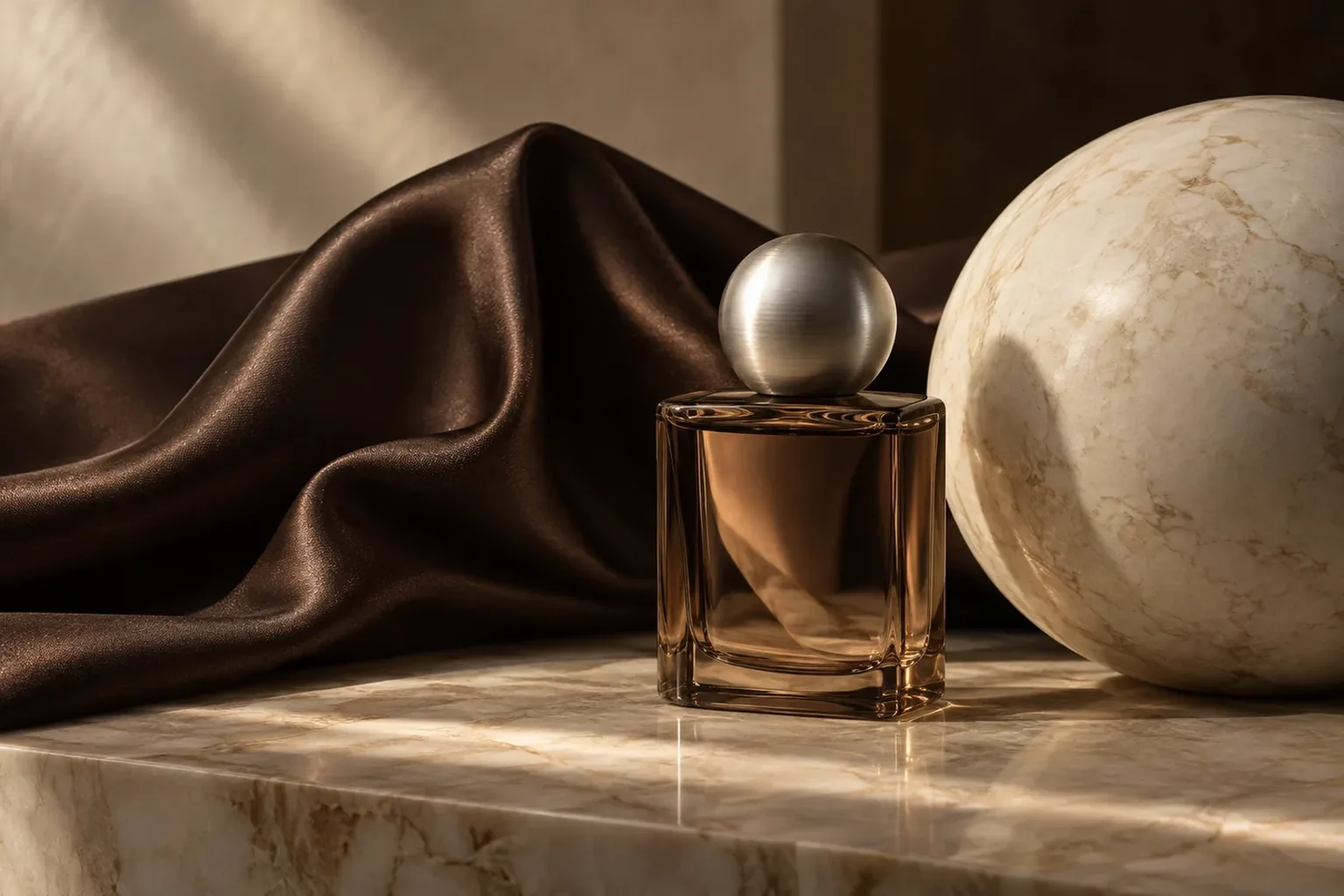
- Products in context: your genuine product photograph placed carefully into a designed scene.
- Spaces and architecture: concept images for a shop, an office or a building still under construction.
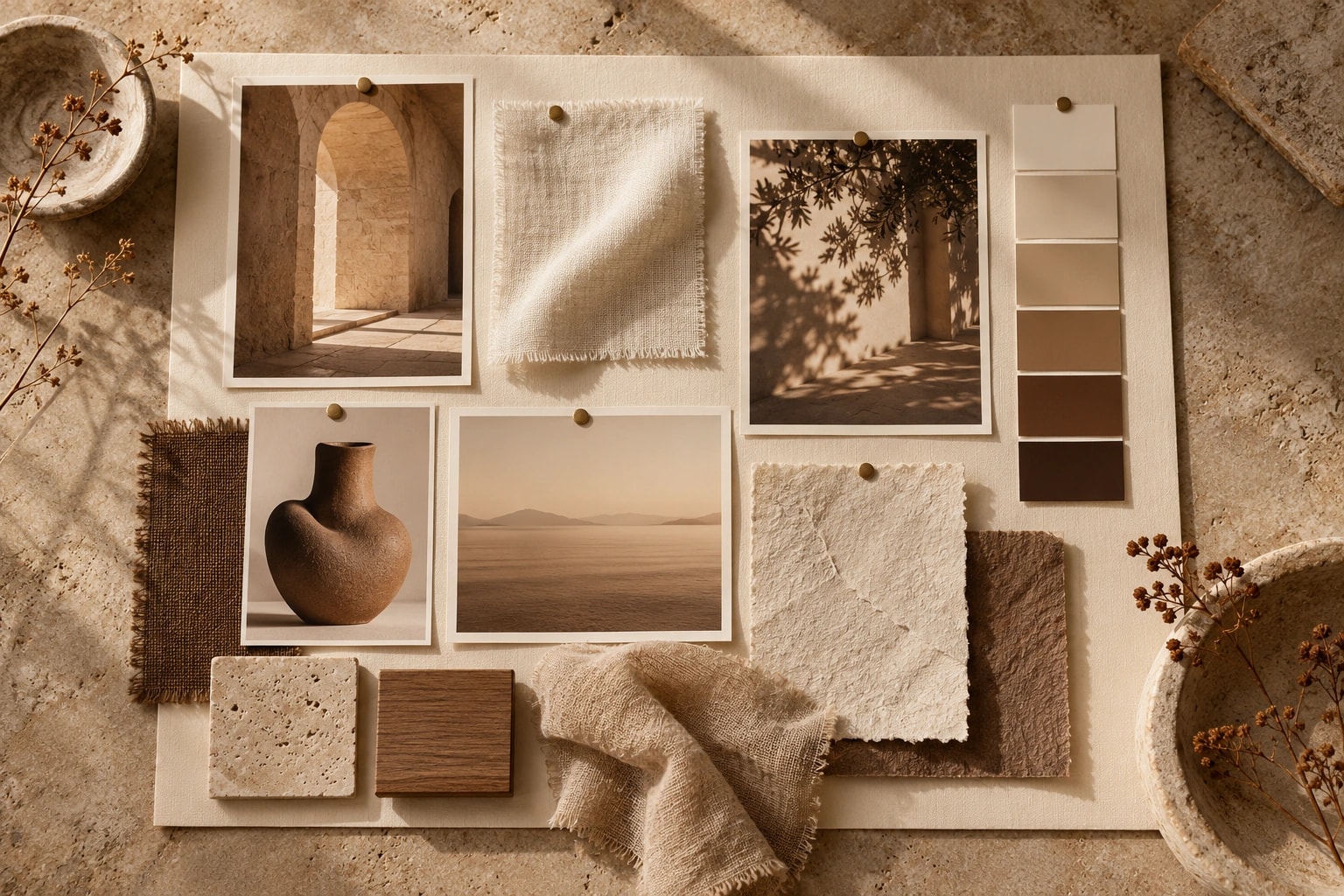
- Moodboards: visual directions made tangible before you commission a shoot or a design.
- Seasonal visuals: winter, spring or a specific occasion without a fresh production each time.
One caveat for spatial work: a visualisation shows an intention, not the current state of a place. Present it that way.
When real photography is the better choice
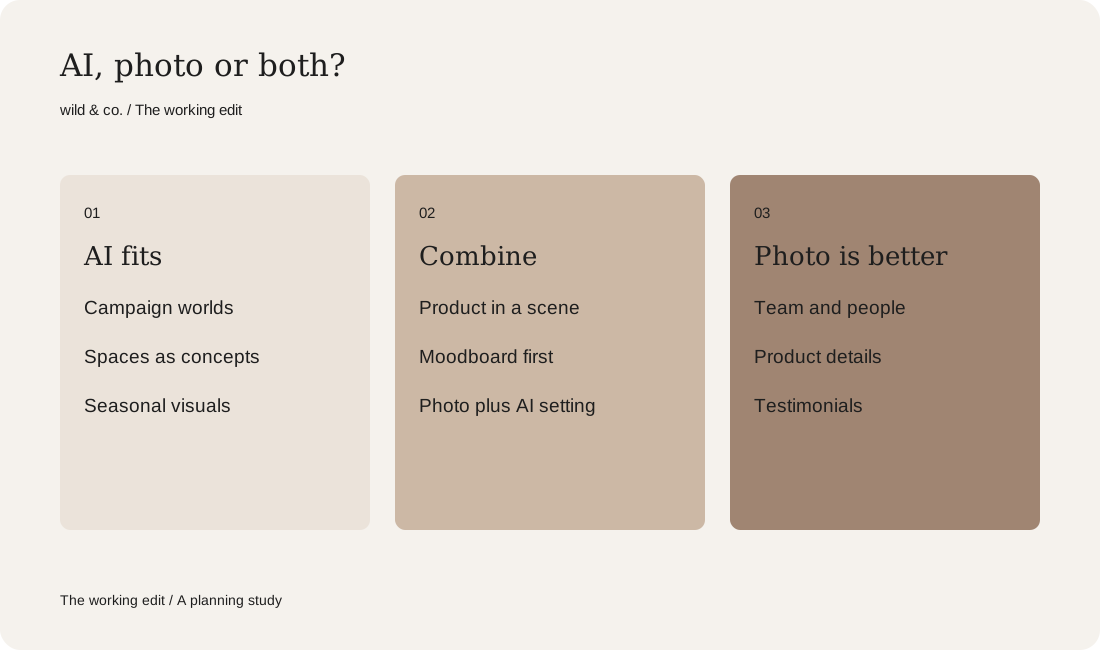
Some images carry evidence. Your team on the About page, you as the face of your brand, a customer behind a testimonial, the stitching on a bag or the grain of a table top. People reasonably assume these are real. A generated team portrait or a customer who never existed undermines trust the moment someone notices. Product details that influence a purchase also belong in genuine photographs. Often the strongest approach is a combination: real photography for people and products, AI for the world around them.
Your AI image plan
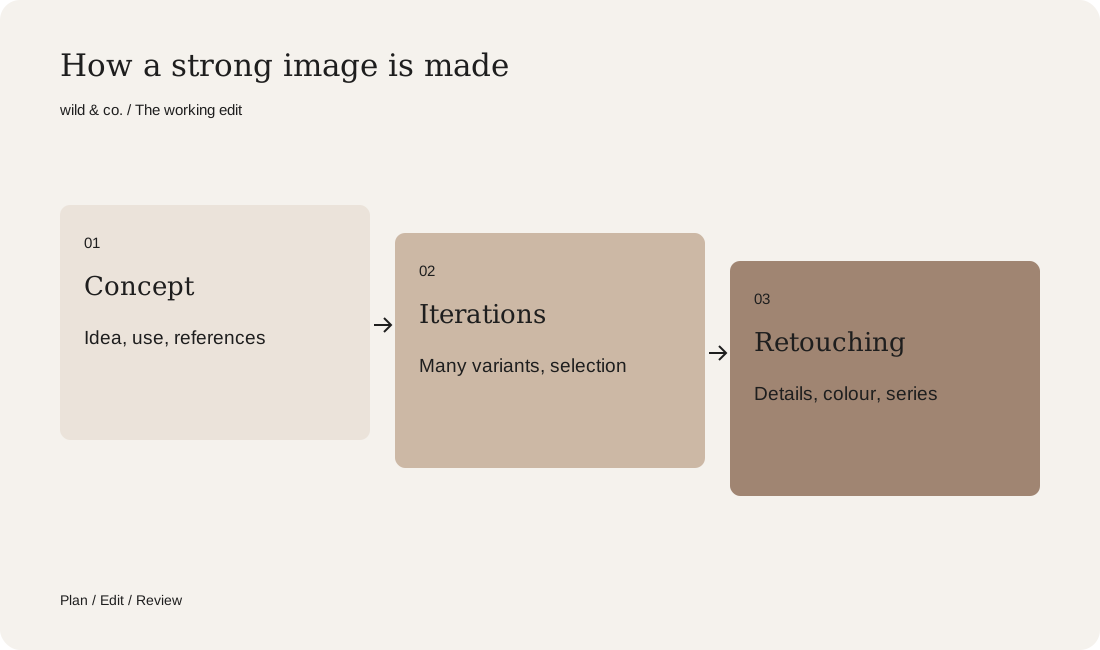
How a strong AI image is made: from concept to series
A convincing image rarely comes from the first prompt. It begins with a concept: what should the picture say, where will it appear and how much space does the copy need? References come next. A short moodboard fixes light, colour, materials and viewpoint. Only then does generation start, and in volume. From dozens of variations, a handful usually survive.
Those selected images are then refined: details corrected, colours matched to the brand, crops prepared for each format. A series adds the hardest task of all, making every image look as if it came from the same shoot, with consistent light, colour temperature and visual language. At wild & co., we agree the art direction before production so that each image can be judged against it.
AI video and short animation
Movement catches attention in a feed. AI can turn a still into a short clip: light drifting across a surface, fabric lifting in a breeze, a slow camera move through a room. For Reels, website headers or ads, those few seconds often work well. Longer sequences with a storyline, dialogue or the same person throughout are considerably harder. Plan brief, focused moments and review transitions frame by frame.
Common pitfalls in AI images
Certain problems recur. If you generate images yourself, give each one a second, slower look:
- Hands and fingers: too many, twisted or merged.
- Lettering: words that are almost legible. Add text in the layout afterwards instead.
- Consistency: faces, objects or logos that change from one image to the next.
- Brand colours: generators rarely hit your exact shade, so allow for colour correction.
- Resolution: print and large formats usually need upscaling and a careful check.
Labelling, rights and tool terms
Be open about it. If an image could be mistaken for a real photograph, add a note that it was generated. Some platforms ask for this or apply their own label, and depending on the market there may be legal requirements too.
Rights are not uniform across tools. Each service has its own terms, for instance on commercial use or on what happens to the images you upload. Read them for the specific tool and purpose before an image appears in a campaign. Avoid uploading confidential material and do not imitate real people, other brands or the style of particular artists. This is general guidance rather than legal advice; for anything uncertain, check the details with a qualified professional.
Make AI images yourself or have them made?
Use this short decision path to choose your next step:
- Need a single image for a post or to test an idea? Try it yourself.
- Must it show real people, your team or product details? Plan a photo shoot.
- Need a series that looks consistent for weeks? Have it produced with clear art direction.
- Will it appear in a campaign, in print or on your homepage? Retouching and colour matter even more.
- Is the idea still vague? Start with a moodboard before producing anything.
Note below what the images are for, what has to be real and which formats you need. Those notes tell you whether to start on your own or whether a conversation about your image project makes sense.