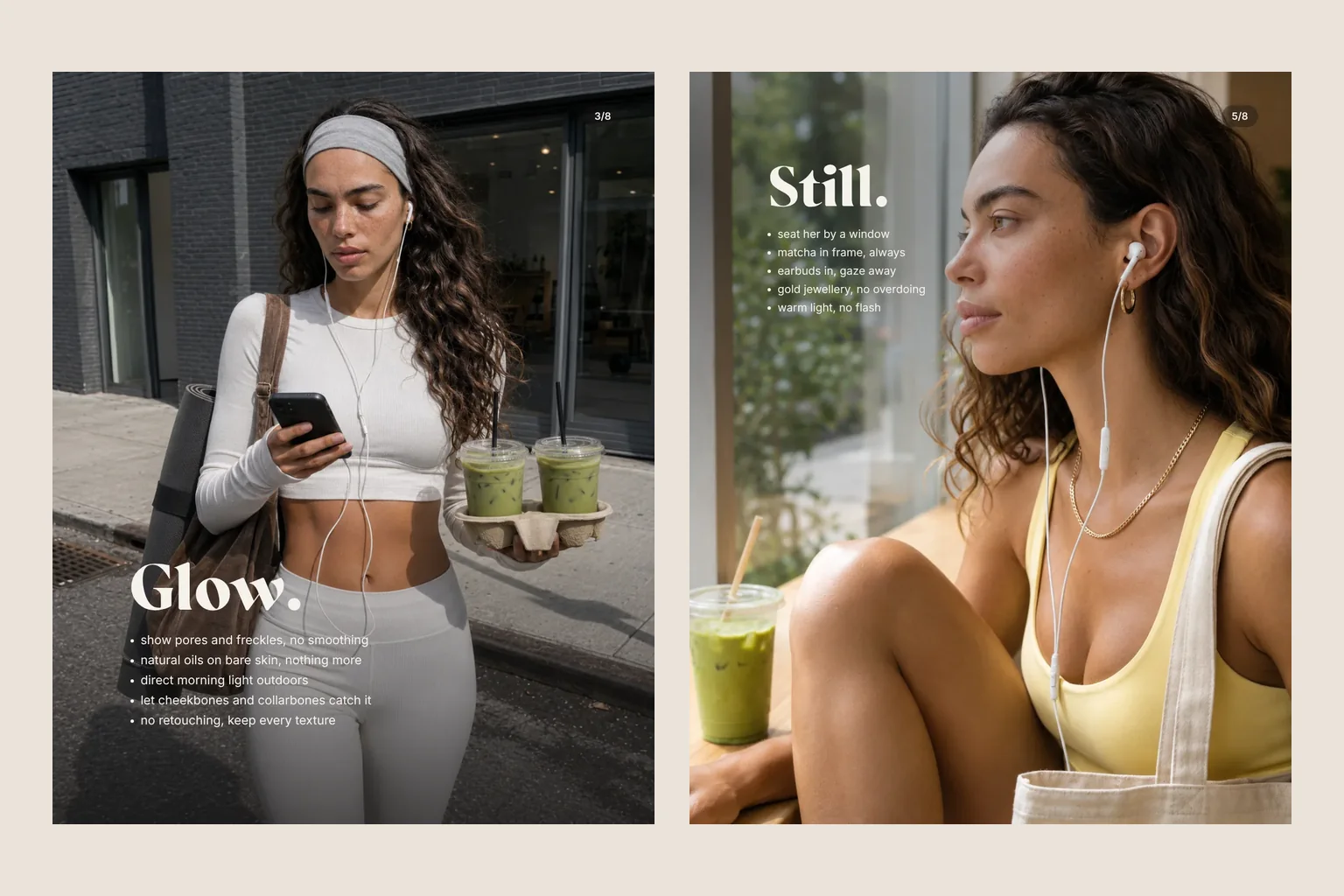
What an AI photoshoot can do, when it is worth it and how to create images that hold up when you zoom in. With our independent campaign ama studio as the example.
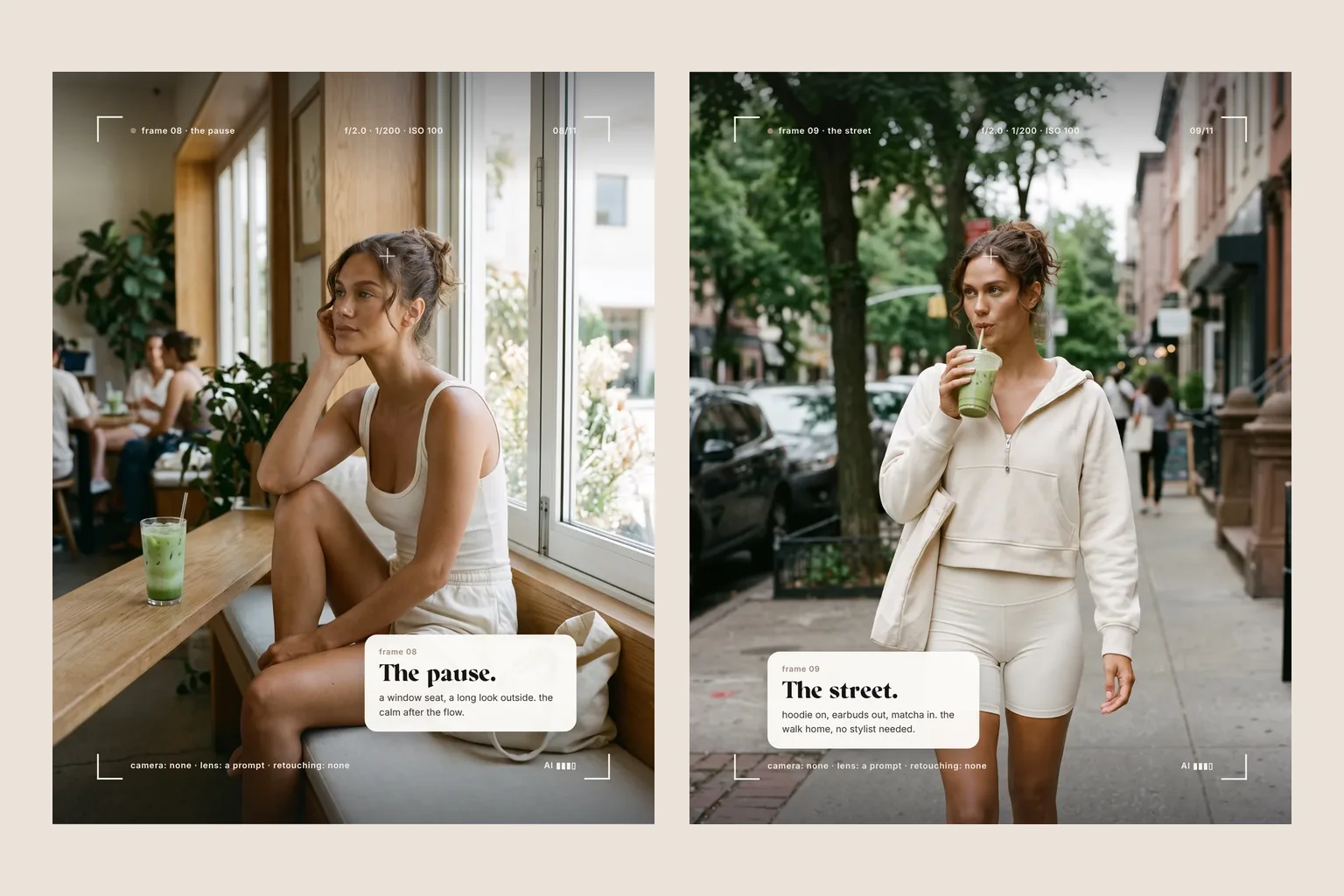
An AI photoshoot replaces camera, location and retouching with a precise brief for every image. It suits lifestyle, campaign and social media imagery when a visual world matters more than proof that a moment happened. TOVE and a consistent face make the difference.
A morning at the yoga studio, an iced matcha to go, a window seat in a café and a walk through the city. A series like that used to need a photographer, a model, three locations and good weather. For our independent campaign ama studio we needed none of it. Every image was made with AI. This guide shows how an AI photoshoot works, what it is good for and when a real camera is the better choice.
What is an AI photoshoot?
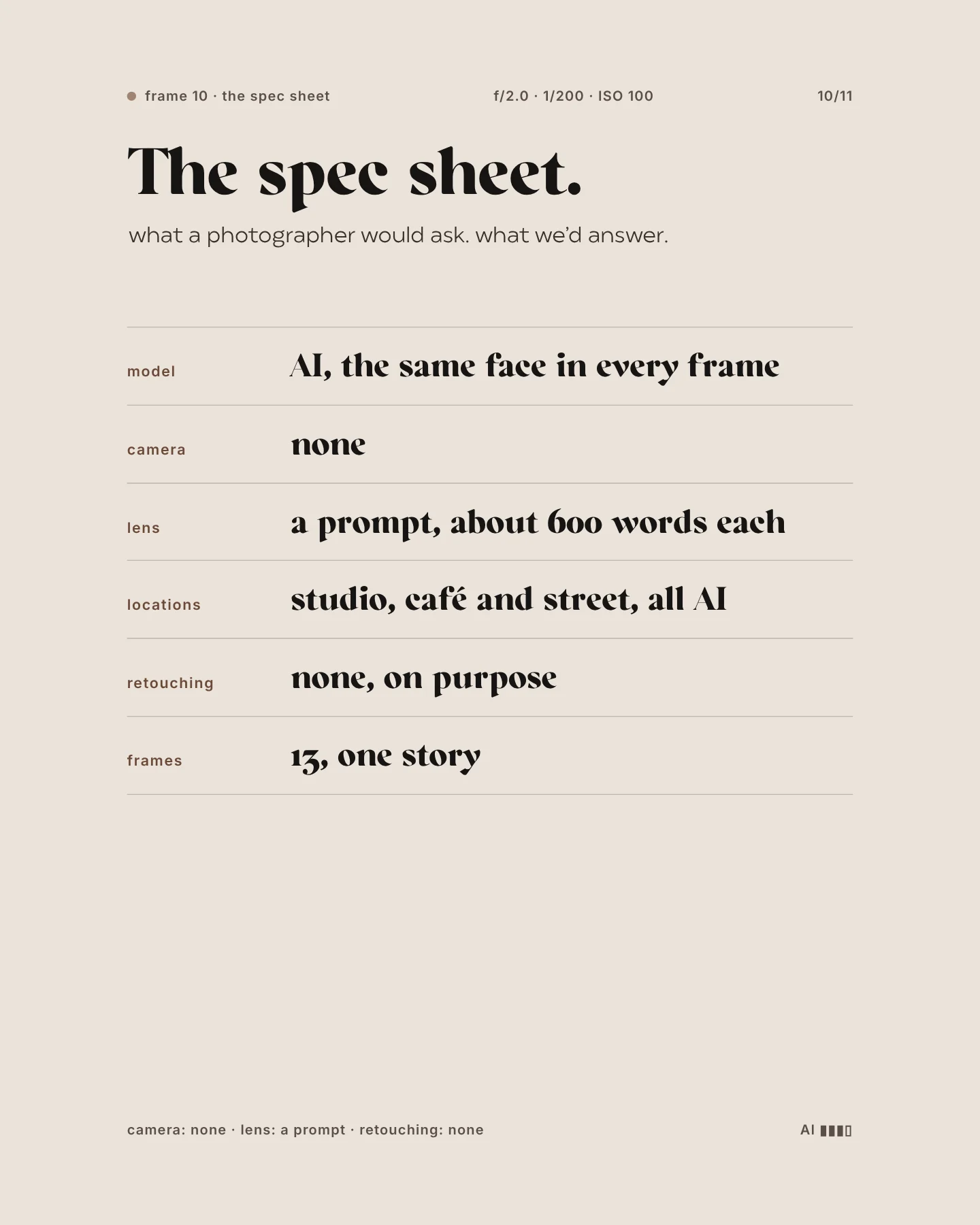
In an AI photoshoot a whole series of images is created with AI instead of a camera. Instead of setting up light, we describe it. Instead of renting a location, we invent it. And instead of booking a model, we develop a digital face that stays the same in every image. At its best, the result looks like a lifestyle shoot that simply never took place.
In the end you get what a good shoot delivers: a selection of finished images in the formats you need, aligned with your colours and visual language. The difference is the route. Instead of one shoot day there are many rounds of drafts, selection and refinement.
The difference from single AI images matters. A shoot is a series: the images belong together, tell a small story and work side by side in the feed. That is where the real work lies.
When an AI photoshoot pays off
AI imagery is strong when an image should carry a mood and does not need to prove anything. Typical uses:
An AI shoot works especially well when your brand already has a clear visual language. Colours, light and mood can then be described precisely, and the new images sit naturally alongside your existing photography. If that foundation is missing, we define it together before the first frame is made.
- Lifestyle imagery for social media when you need new visuals regularly.
- Campaign images for a launch, a season or a promotion.
- Mood images for your website before a real shoot is planned.
- Scenes that would be hard with a camera: many locations in one day, cinematic light, weather on demand.
- Testing visual ideas before investing in a large production.
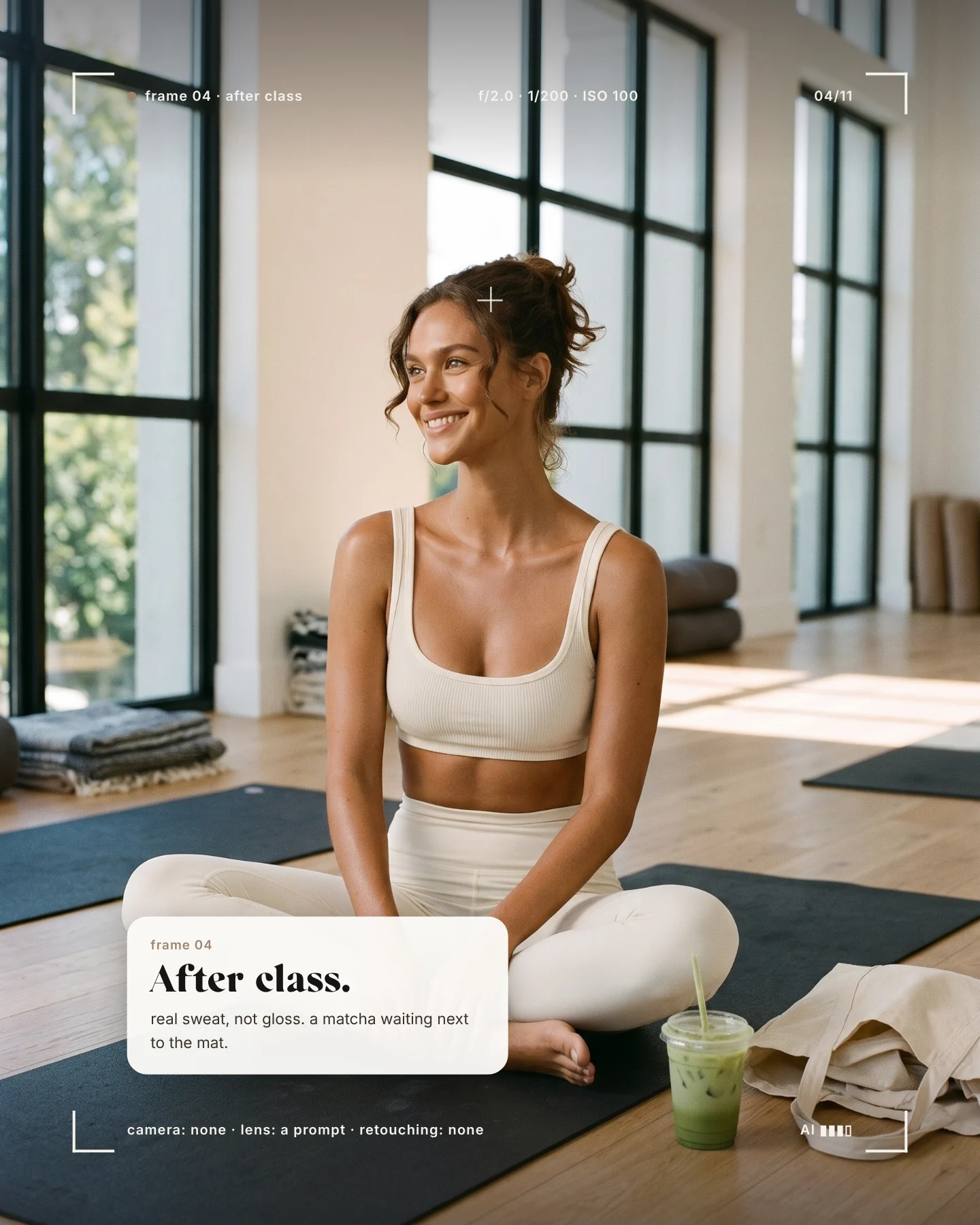
Your AI shot list
When a real shoot is the better choice
As soon as an image needs to show something real, it needs a real photograph. Your team on the about page, you as the face of your brand, your premises, an event or customers sharing feedback: people expect reality here. An invented team photo costs trust the moment someone notices. Product details that drive a purchase belong in a real photograph too. Often the best answer is a mix: real images for people and product, an AI shoot for the world around them. Read more in our guide to AI images for business.
Our rules for AI imagery that looks real
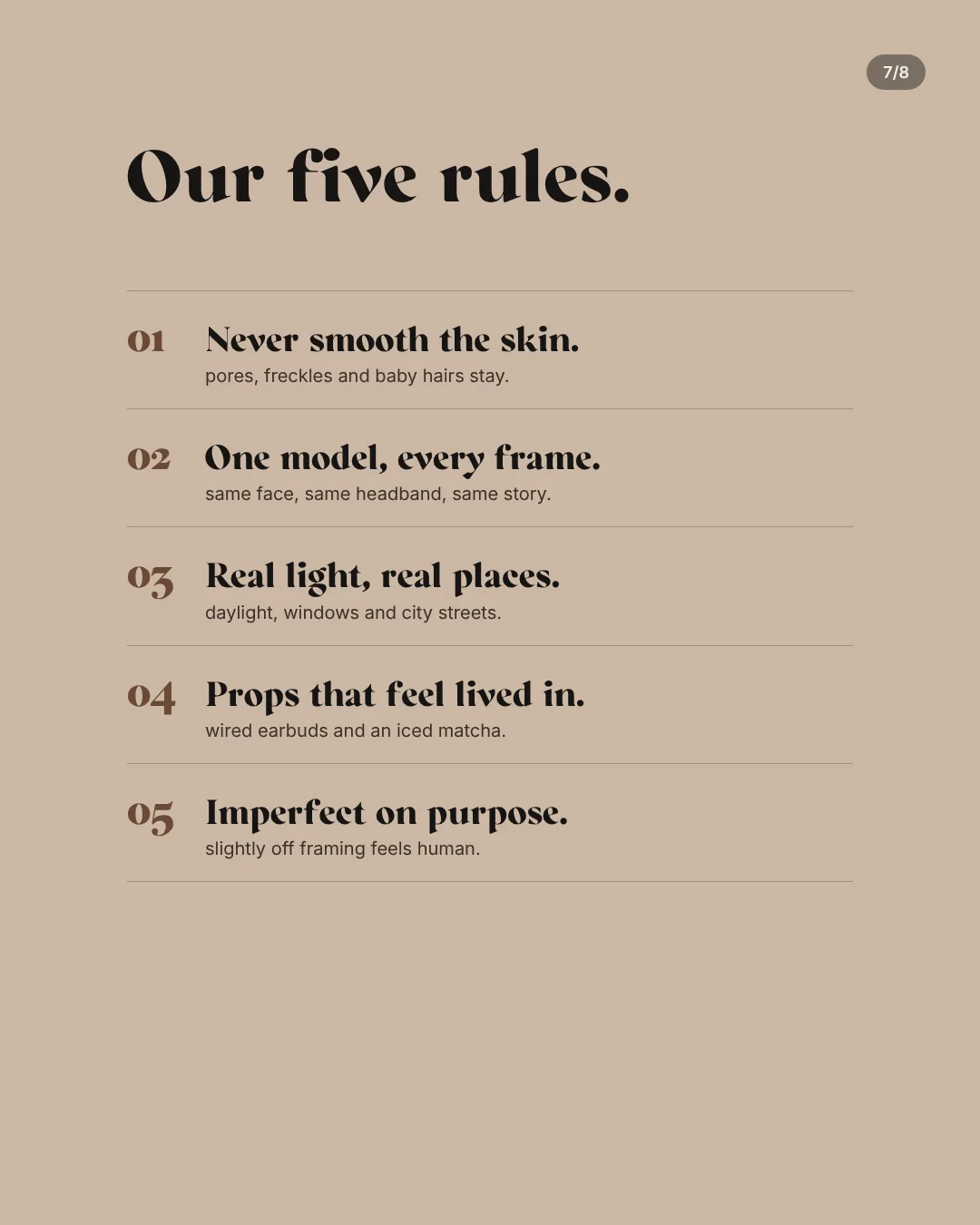
Most AI images give themselves away in the same places: smooth skin, perfect light, hair like plastic. So our shoots follow a few fixed rules:
- Never smooth the skin: pores, freckles and baby hairs stay in.
- Light like a real shoot: window light, soft shadows, daylight on the street.
- One face in every frame: the model stays recognisable in the studio, the café or outside.
- Props that feel lived in: wired earphones, condensation on a cup, a bag over the shoulder.
- Imperfect on purpose: slightly off framing feels more human than perfect symmetry.
Our yoga campaign with an AI model shows what these rules look like in practice.
How an AI photoshoot works
A good AI shoot does not start with a prompt but with the same planning as a real one.
- Clarify purpose and use: where will the images appear, in which formats, how many do you need?
- Write a shot list: which scenes tell the story, and in which order?
- Define model and look: face, hair, outfit and props that stay the same in every image.
- Brief every image: light, place, framing and details, often several hundred words per frame.
- Select and check: we discard far more than we show and check hands, faces and small details one by one.
- Prepare the formats: feed, stories, website and banners need different crops.
The zoom test: where AI images fall apart
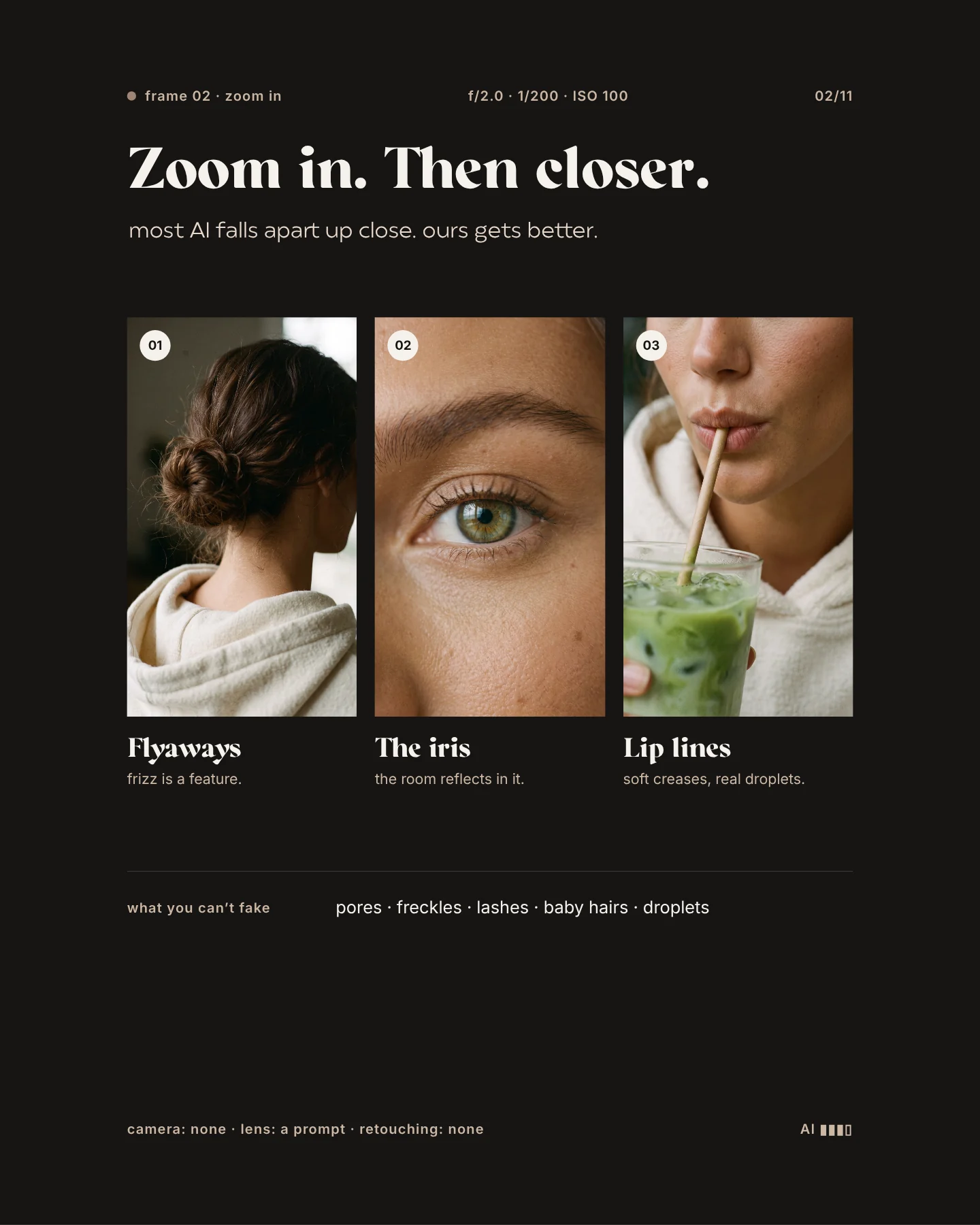
From a distance many AI images look fine. It gets interesting when you zoom in. That is why our campaigns deliberately include close-ups: flyaway hair, an iris in window light, lips on a straw. If those details hold, the rest usually does too. In your own images, look closely at hands, teeth, jewellery, any text in the frame and whether the face really stays the same from image to image.
A good test: place your AI images next to real photos from your feed and look at them full size on your phone. If one stands out immediately, it is usually the light, the skin or a composition that is too perfect. That is exactly where we focus in post-production.
Do it yourself or have an AI shoot made?
For a single image or a first idea, a common tool and some practice are often enough. Once a whole series needs to fit your brand, keep one face across many images and work together in the feed, it takes real effort. That is when a team for concept, art direction and selection pays off. See how we work on our page about AI imagery and AI video. And if you are curious how we develop independent campaigns for brands, continue with spec ads with AI.