Plan images for your website, LinkedIn and social content before the shoot. Practical guidance on uses, subjects, outfits, locations and selection.

Start with where the photographs will appear. Those uses determine formats, framing and subjects. A short, prioritised shot list is more useful than a folder of unrelated poses.
Decide where the images will work
A wide website header needs different space from a close profile portrait. Text overlays, mobile crops and square posts also affect the photograph. List your main applications first. For each, note the format, message and any space needed for type. If the website is still being planned, a simple page map is enough to start the conversation.
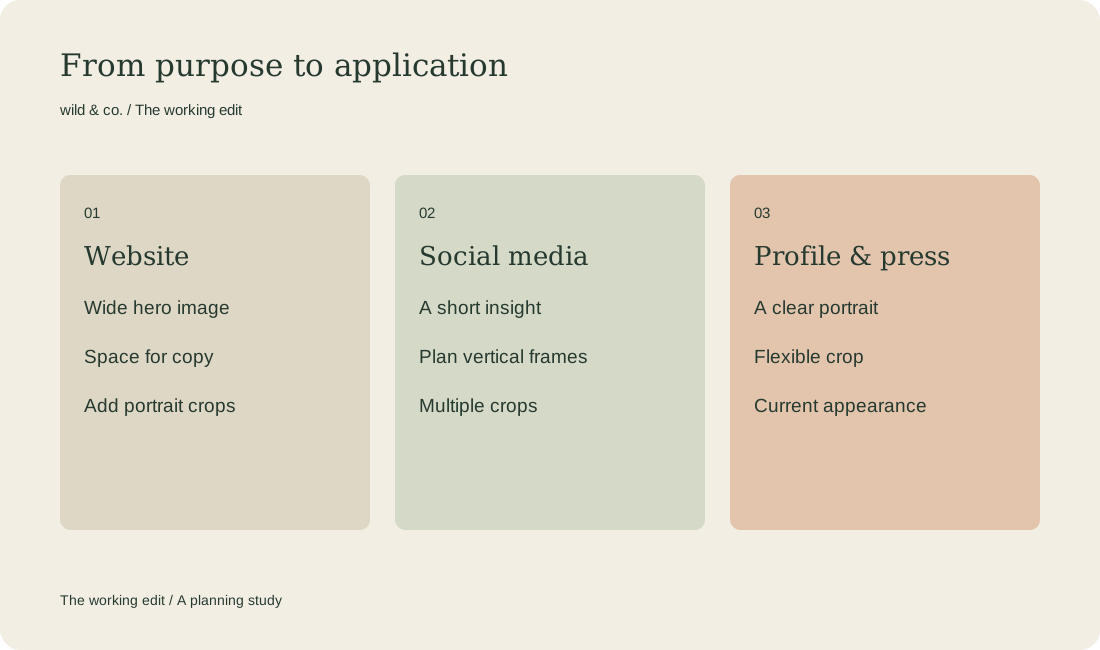
Turn applications into a manageable shot list
Plan by purpose rather than by pose. A portrait supports recognition, a working scene explains a process and a detail can accompany a paragraph. For an illustrative example, an independent consultant might need a portrait, a conversation and a quiet landscape image for the homepage. There is no need to stage every minute of a working day.
- Portrait: a recognisable person with suitable framing.
- Activity: an actual task or a credible working situation.
- Environment: the space and materials that shape the work.
- Details and breathing room: hands, tools and space for layout.
Your shoot priorities
Choose the location, clothes and props with care
Use things that belong to your work and clothes you can move in. Connect colours and patterns to the visual direction without dressing as a colour chart. Check light, access and possible interruptions. Prepare any products, print materials or equipment needed in frame. Unrelated logos and confidential documents should not accidentally become the subject.
Priorities leave room for unexpected moments
Identify the few images that must be captured for the shoot to succeed. Group scenes by room, light or outfit to reduce constant changes. Allow breaks and an alternative for poor weather. A shot list is a shared working tool rather than a rigid minute-by-minute script. Once essential photographs are covered, there is room for useful moments that emerge on location.
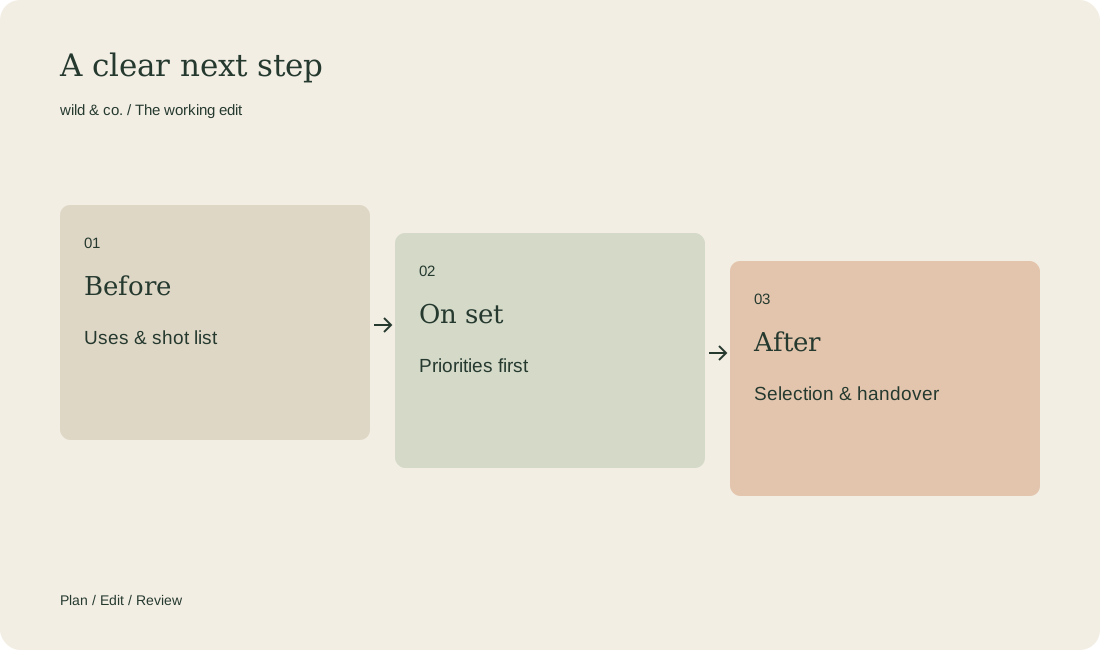
Discuss selection and use before the day
Agree where photographs will appear, how selection and retouching work and which files will be delivered. Appropriate permissions may be needed for recognisable people and locations. Have sensitive content and intended uses checked before publication. Decide who makes the final selection: twenty similar favourites do not help a homepage communicate clearly.
Plan the use after the shoot
Match selected photographs to their applications. Check mobile crops, text legibility and file size for the website. Keep original files separately. For social channels, avoid publishing everything at once: pair each image with a useful question or story. Your shot list can become a modest publishing plan as well as a production aid.