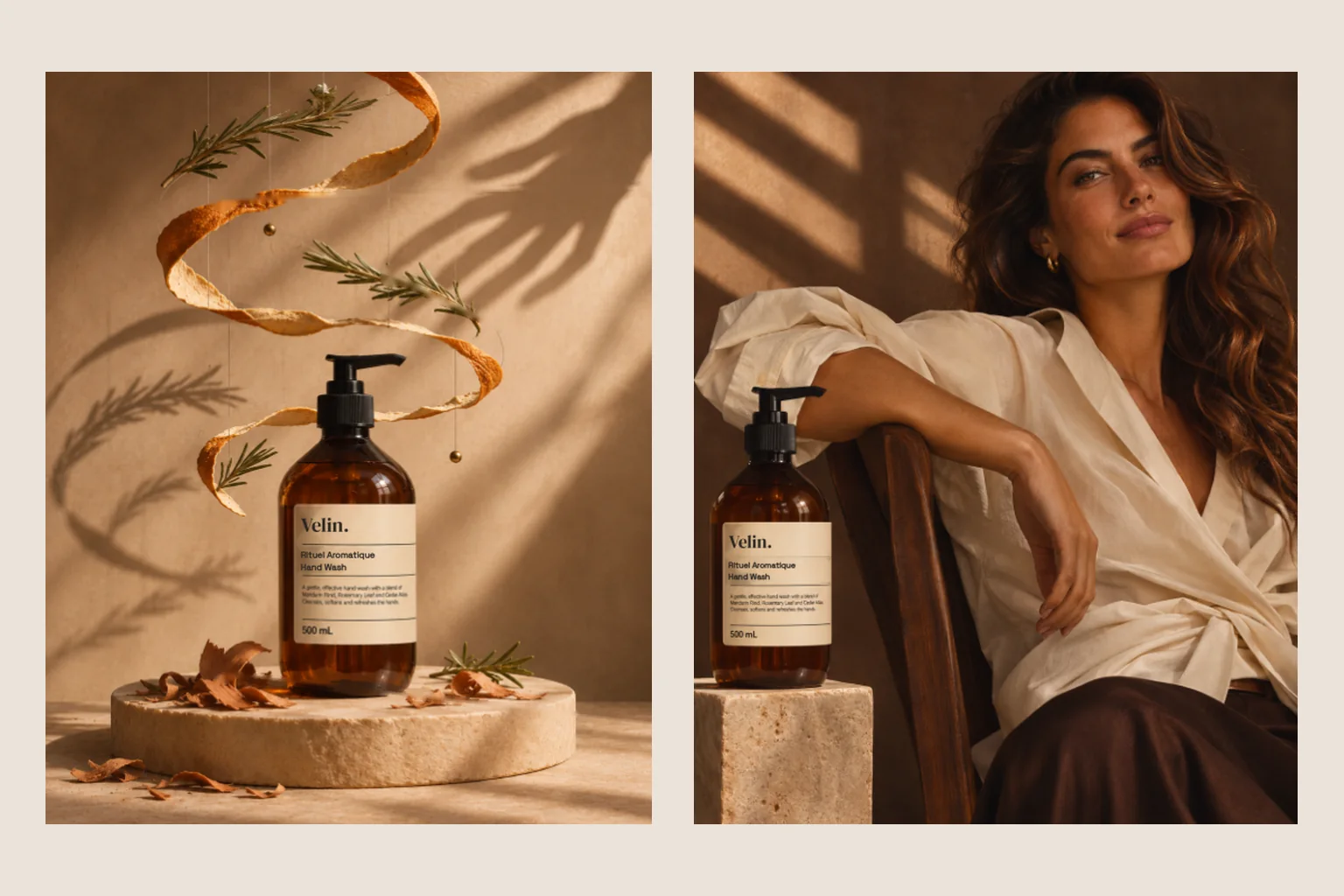
How one packshot becomes a launch campaign with AI, how to test campaign ideas without a shoot and how to see a brand before it exists. With three examples.
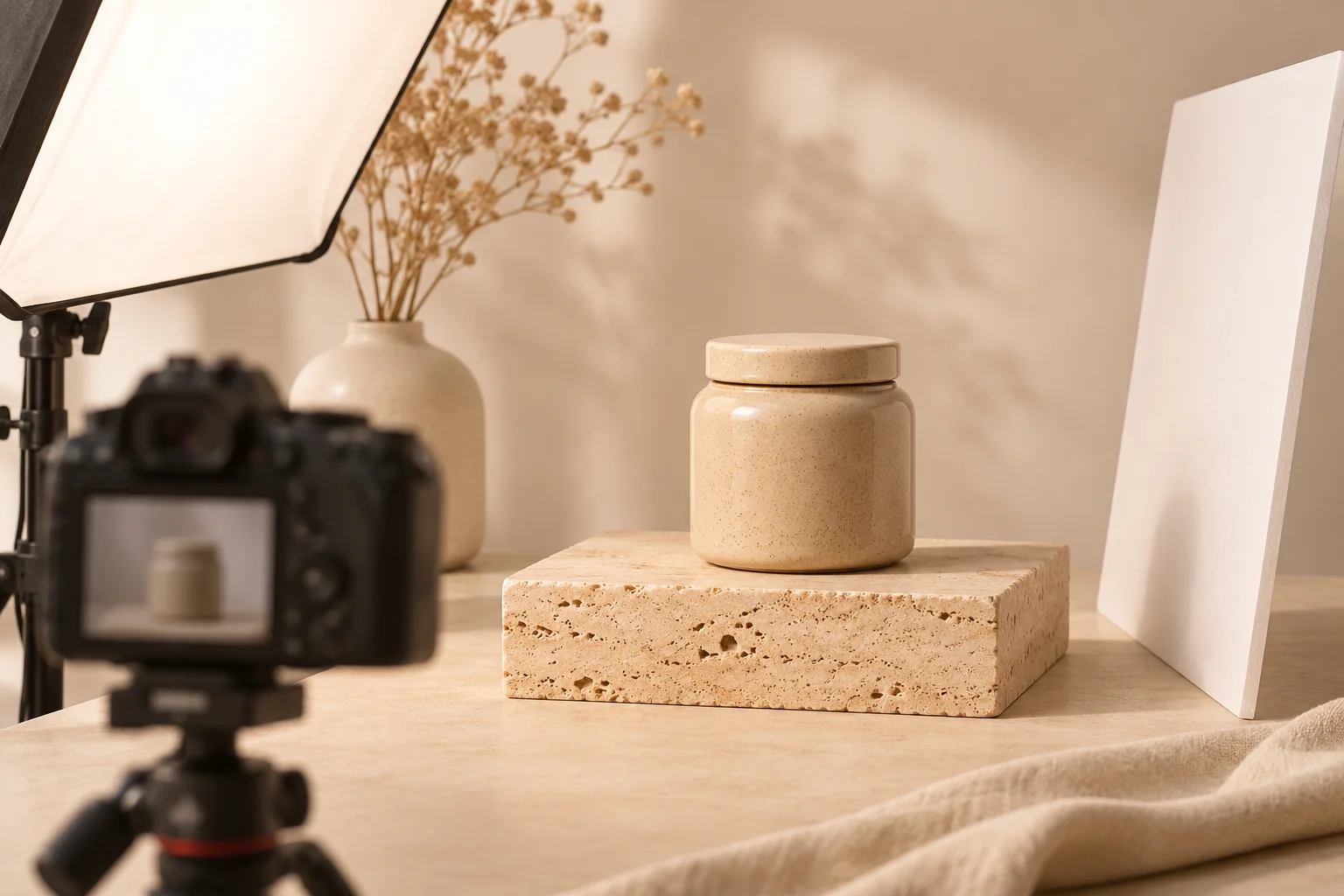
AI product imagery places a product in new scenes without a studio or props. It lets you plan and test launch teasers, sale campaigns and entire brand worlds. What must be exact about the product is agreed up front. For details that drive a purchase, real product photography remains important.
A new product, a launch in three weeks and not a single campaign image yet. Traditionally that meant booking a studio, building a set and sourcing props. With AI product imagery a campaign often starts with one packshot. This guide uses three independent campaigns to show what is possible, and where classic product photography remains essential.
What AI product imagery is
AI product imagery shows a product in scenes created with AI: on stone in morning light, between silk and shadow, in a hand on the way to work. The starting point is usually a clean product shot or a precise description. From there a visual world grows that fits the brand and can be told in many variations.
There are two routes. Either the whole scene, product included, is created with AI, which works well for teasers, mood images and early ideas. Or your real product photograph is placed into a designed scene, which is the better choice when every detail must be exact. Often we combine both within one campaign.
One packshot, six days of launch
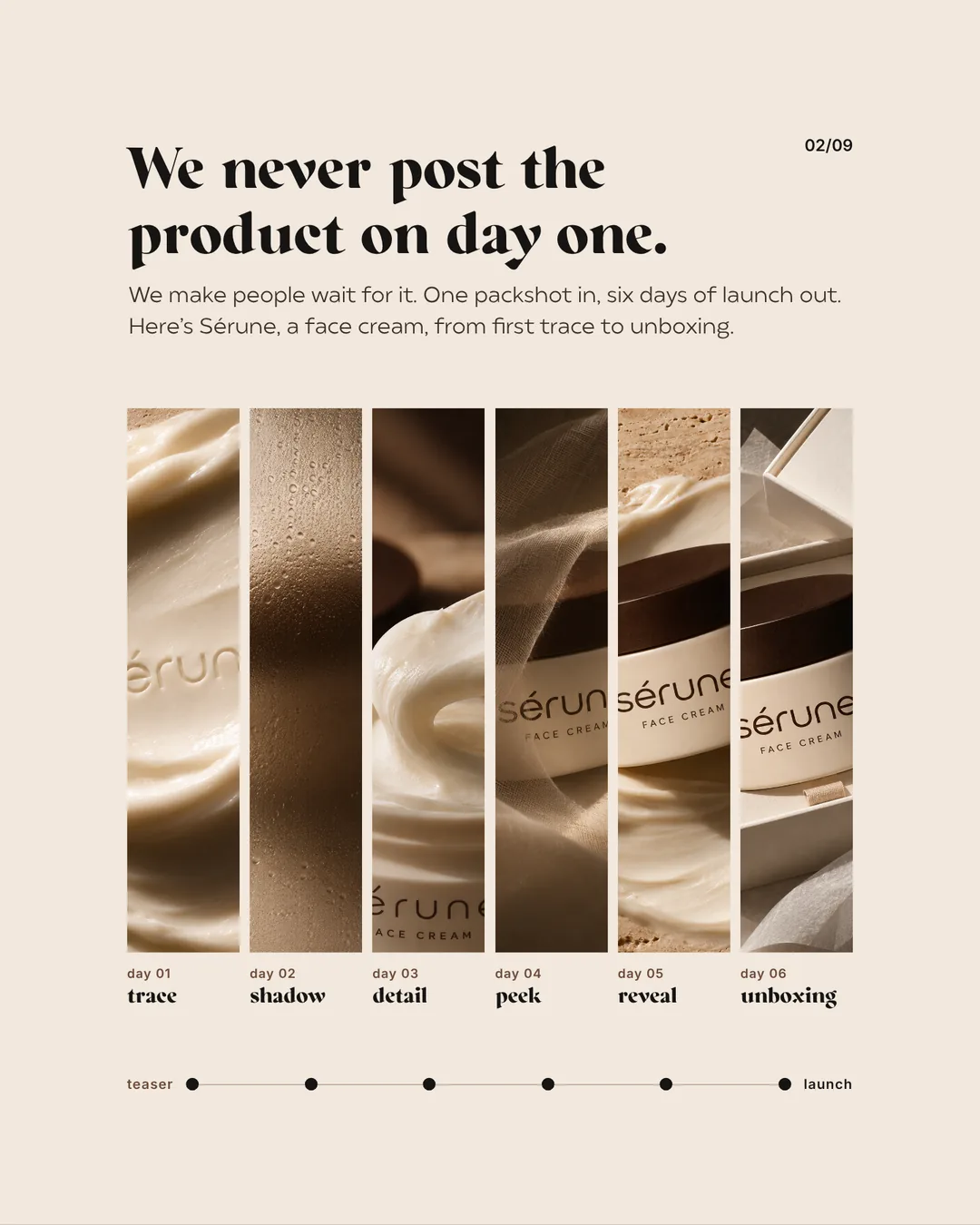
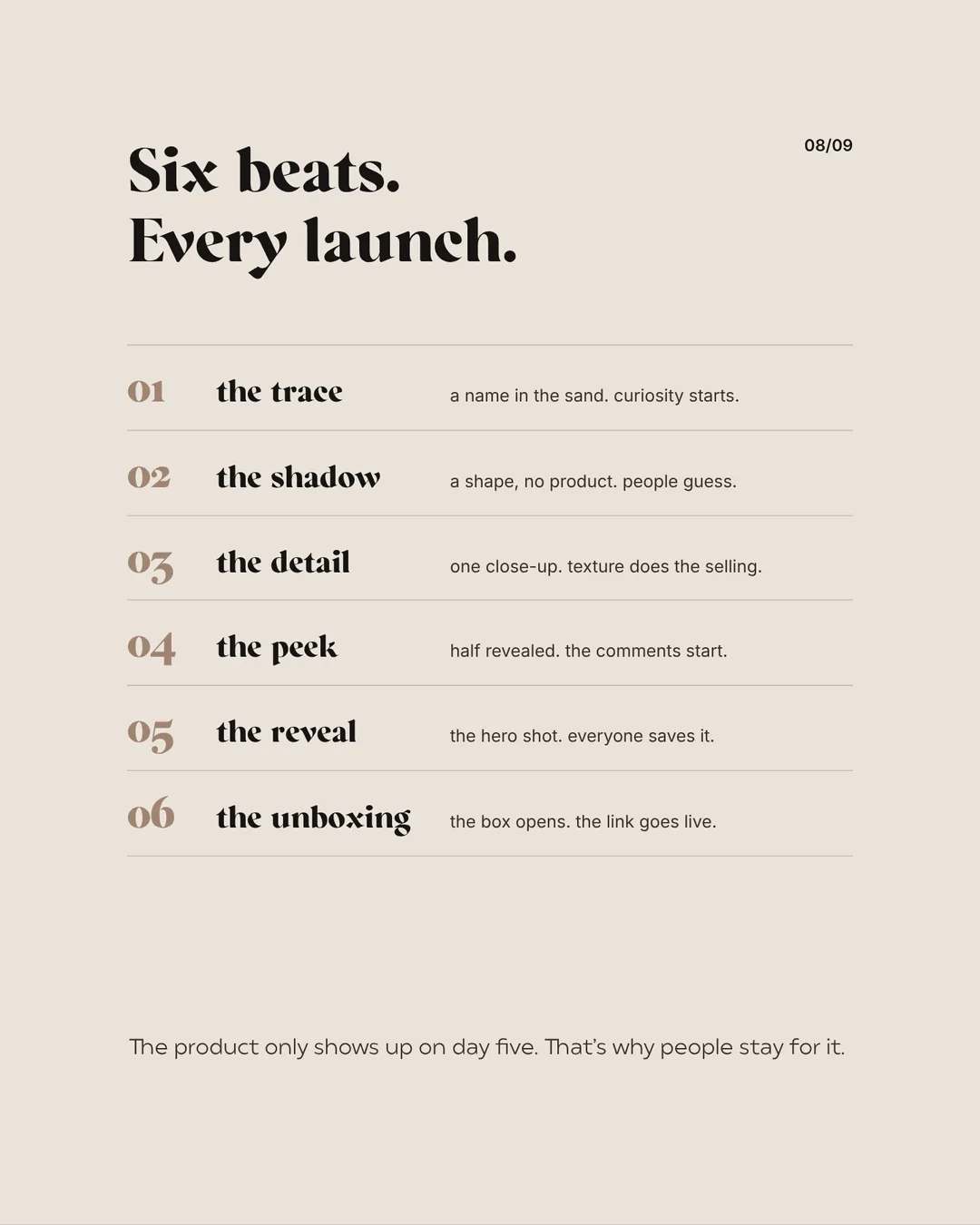
For our study Six-Day Launch we launched six invented products over six days each: a face cream, a fragrance, a scented candle, a shampoo, a toothpaste and a coffee roaster. The storyline is always the same, the visual world always different.
We plan every image in the sequence for the formats it will appear in: a feed post, a story with room for text or a banner on the website. The launch then looks the same everywhere and nothing needs cropping afterwards.
- Day 1, the trace: a name in the sand, curiosity starts.
- Day 2, the shadow: a shape, no product yet.
- Day 3, the detail: one close-up, texture does the selling.
- Day 4, the peek: half revealed, the comments start.
- Day 5, the reveal: the hero shot everyone saves.
- Day 6, the unboxing: the box opens, the link goes live.
The product only appears in full on day five, which is exactly why people stay. With traditional shoots, a teaser sequence like this for six products would be a major undertaking.
Your launch plan
Testing campaign ideas: Black Friday without a discount war
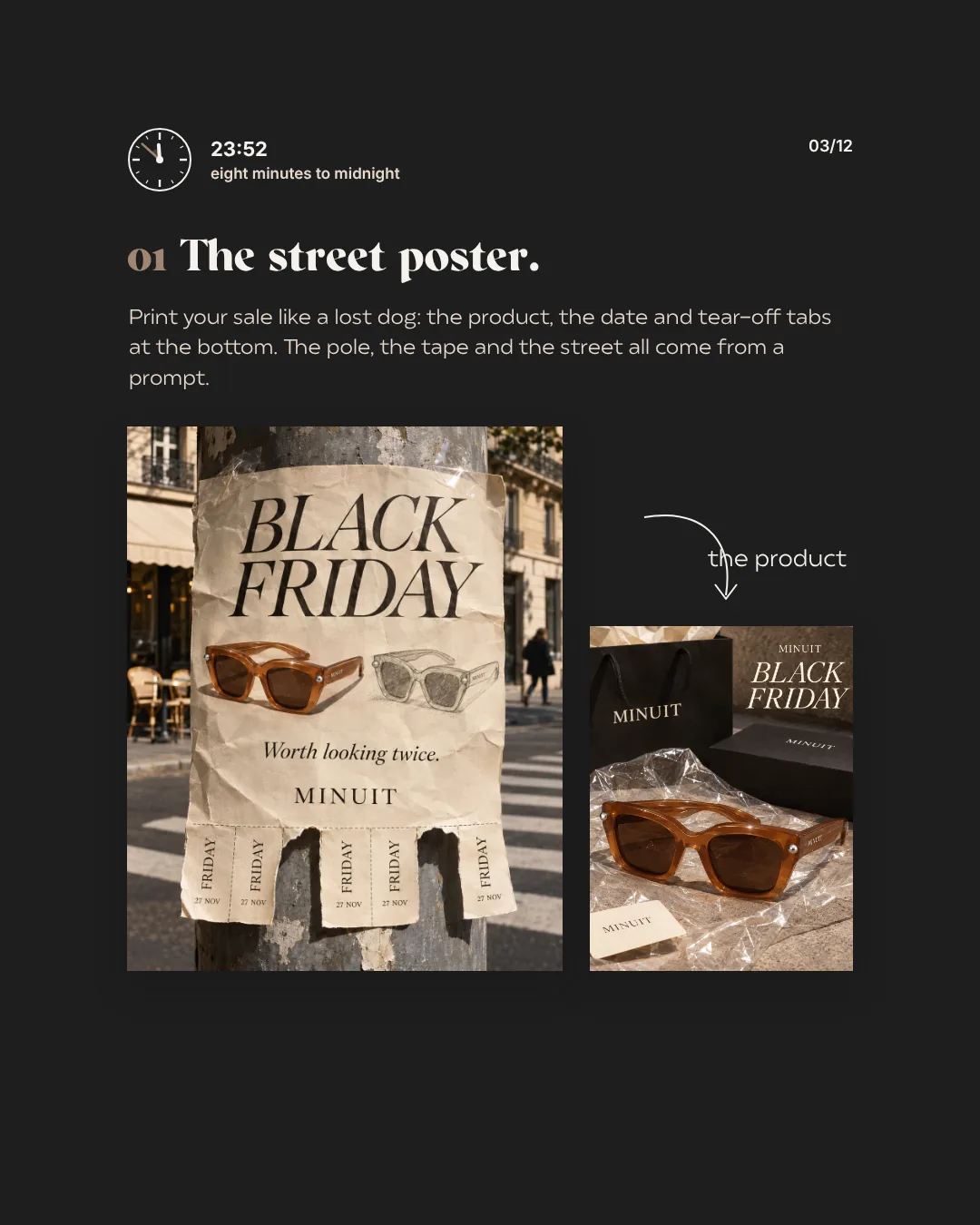
AI product imagery is also a way to try ideas before money goes into print or production. For the invented eyewear brand Minuit we developed eight Black Friday ideas without a single 50% off in the image: a poster on a lamp post, a car boot full of bags, sunglasses bigger than the model. A whole wall of posters costs nothing to print here. You see which idea works before you produce it.
Seeing the whole brand before it exists
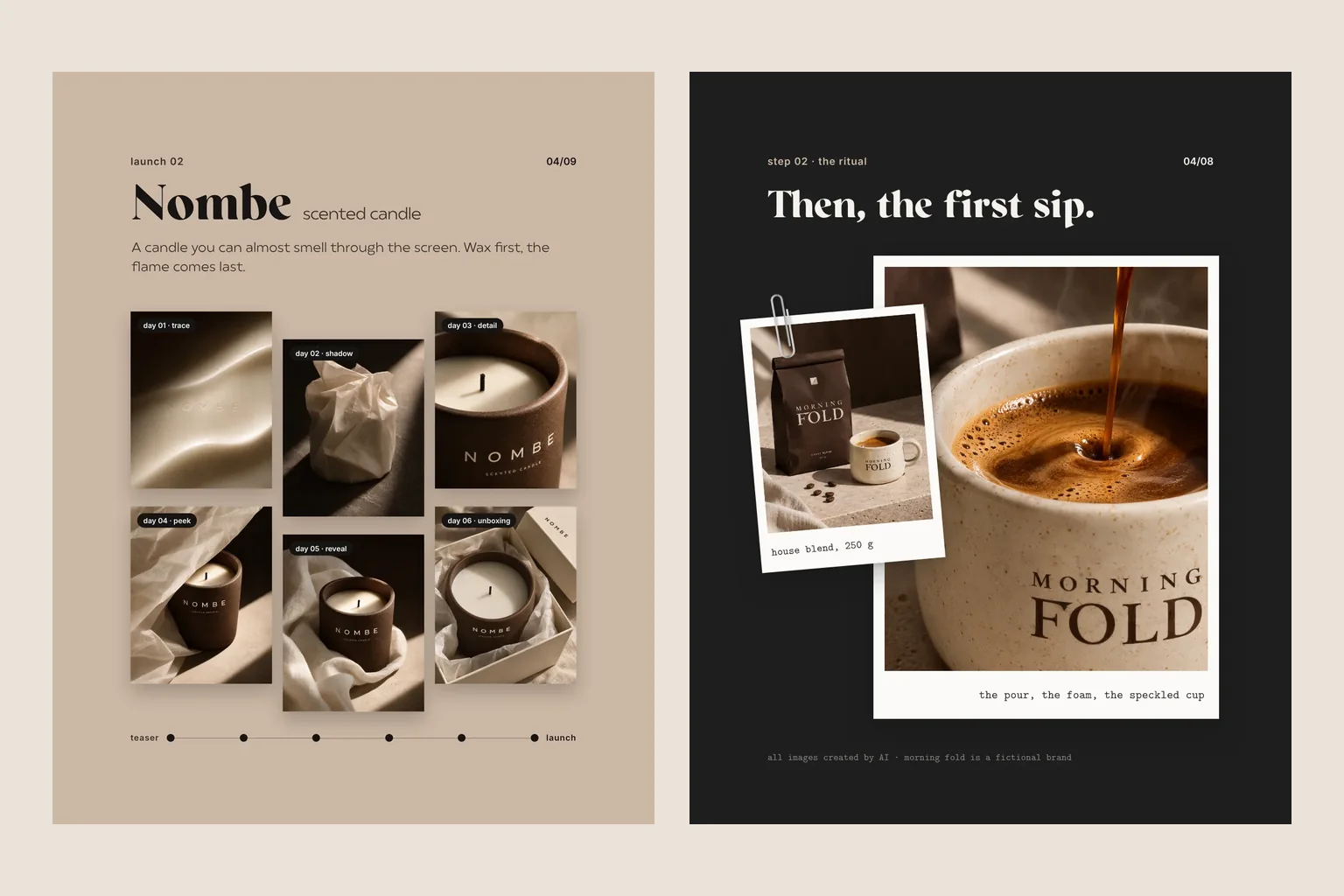
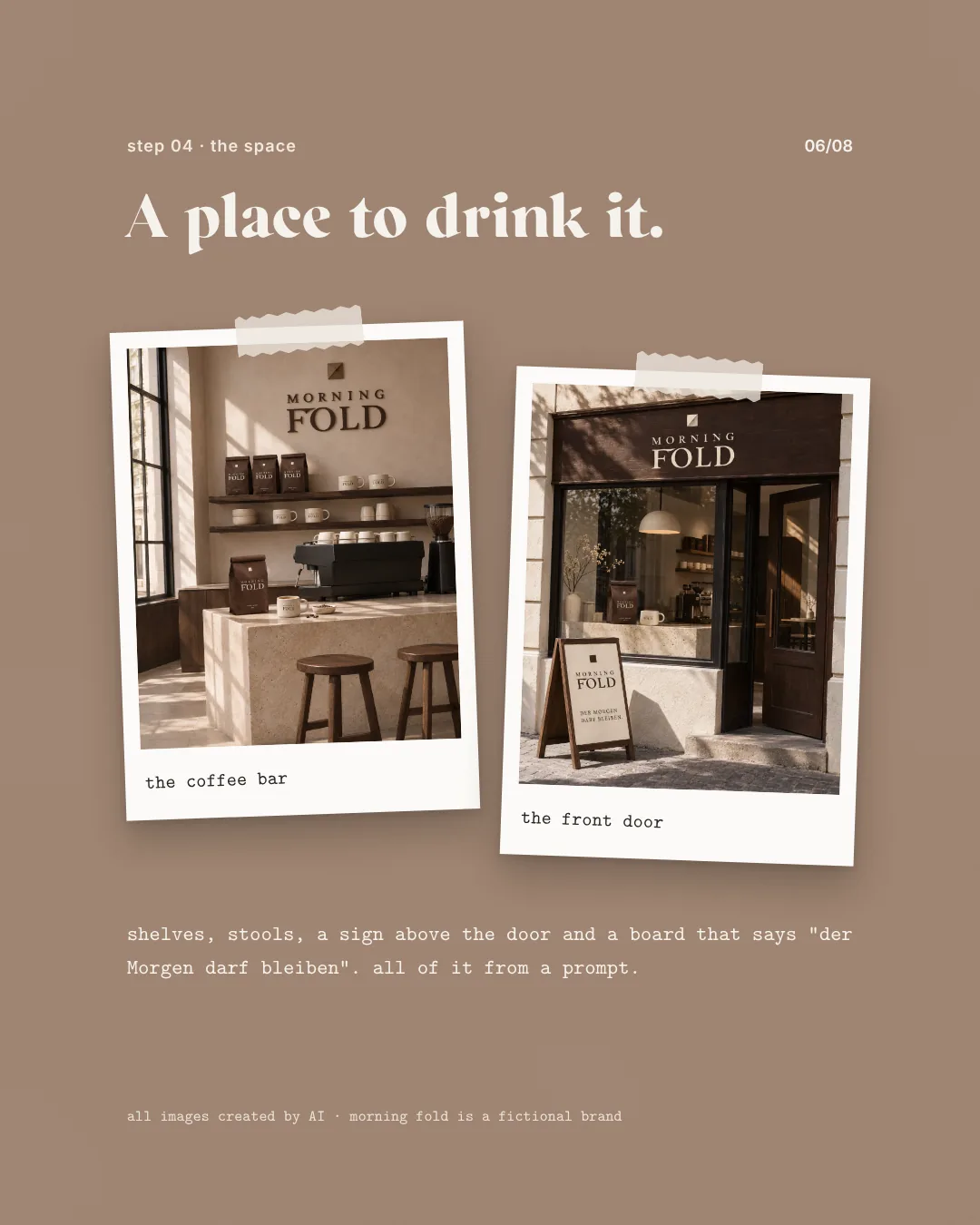
Sometimes it is about a whole brand rather than one product. For Morning Fold, an invented coffee brand, one sentence was the brief. One afternoon later there were business cards, packaging, a cup, a gift set, a tote and even a coffee bar and storefront. Visualisations like these help early in branding: you see your brand on packaging and a shopfront before a sample is produced. Logo and print files are then designed properly in the branding project.
This is interesting for established brands too, for example to see how a pop-up store, a trade fair wall or a new packaging line could look. Such images show an idea, not reality, and we say so when we show them.
What must be exact about a product
AI likes to invent things: an extra seam, a different clasp, lettering that is almost right. With your real product that must not happen. So before we start we agree what has to stay unchanged:
- Shape and proportions of the product.
- Label, logo and lettering.
- Colour and material.
- Clasps, seams and other details that matter when buying.
- Scale relative to hands, furniture or surroundings.
Where a detail cannot be generated reliably, we place your real product photograph into the designed scene or plan a real shot alongside.
How a project with AI product imagery works
- Brief: product, occasion, channels and the mood of the campaign.
- Source material: a clean packshot and precise notes on everything that must be exact.
- Visual world: light, materials, colours and places that fit your brand.
- Storyline: which images appear when, for example as a teaser sequence or series?
- Selection and checks: every image is checked for product details and refined.
- Formats: feed, stories, website, banners and print with suitable crops.
When classic product photography is the better choice
For online shops, technical details and anything people examine closely before buying, a real product photograph remains the more reliable choice. Often the combination is strongest: real product photos for the shop, AI imagery for campaigns and social media. Read more in our guide to product photography. See how we create AI campaigns for your brand on our page about AI imagery and AI video, and how independent campaigns come about in the guide to spec ads with AI.