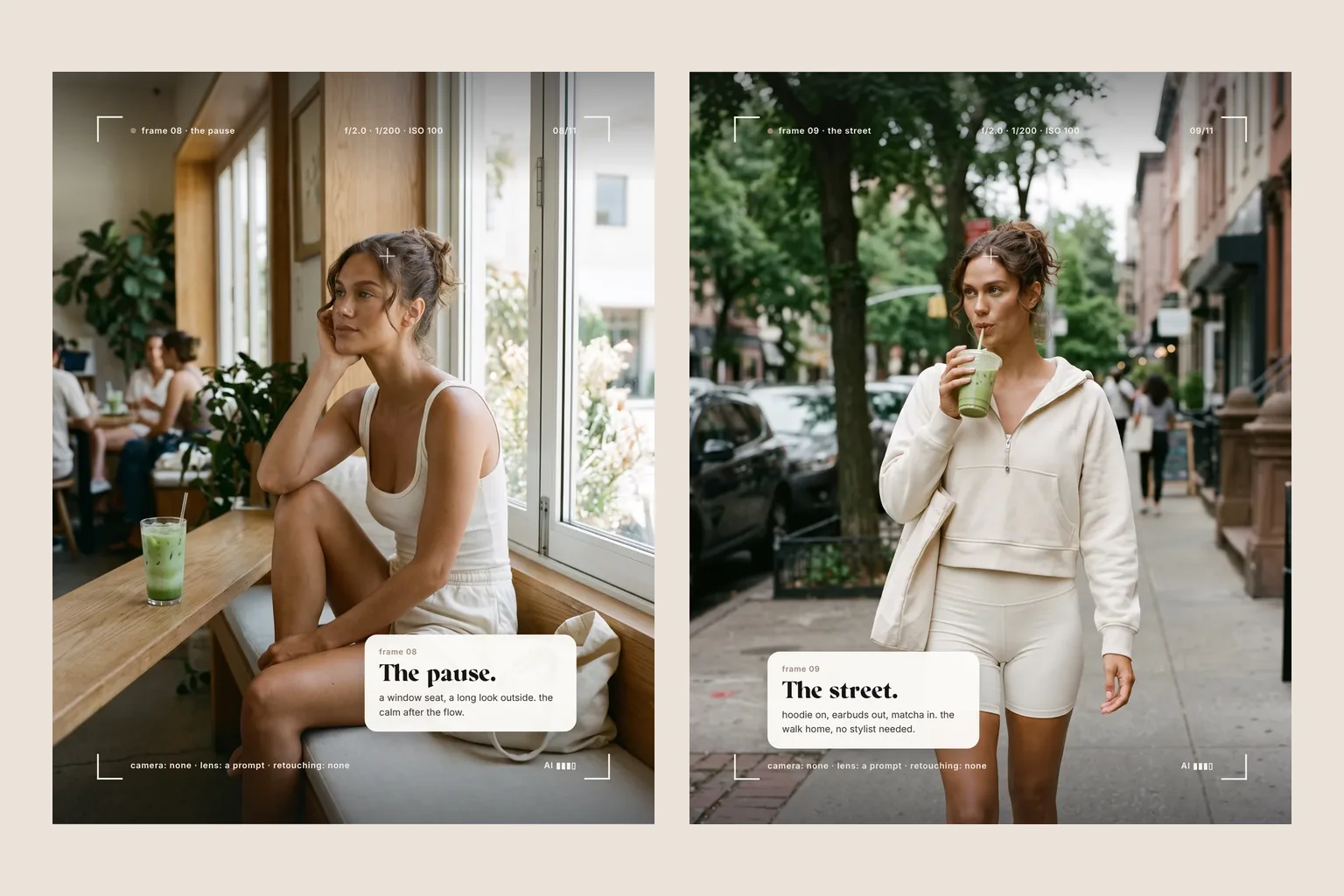
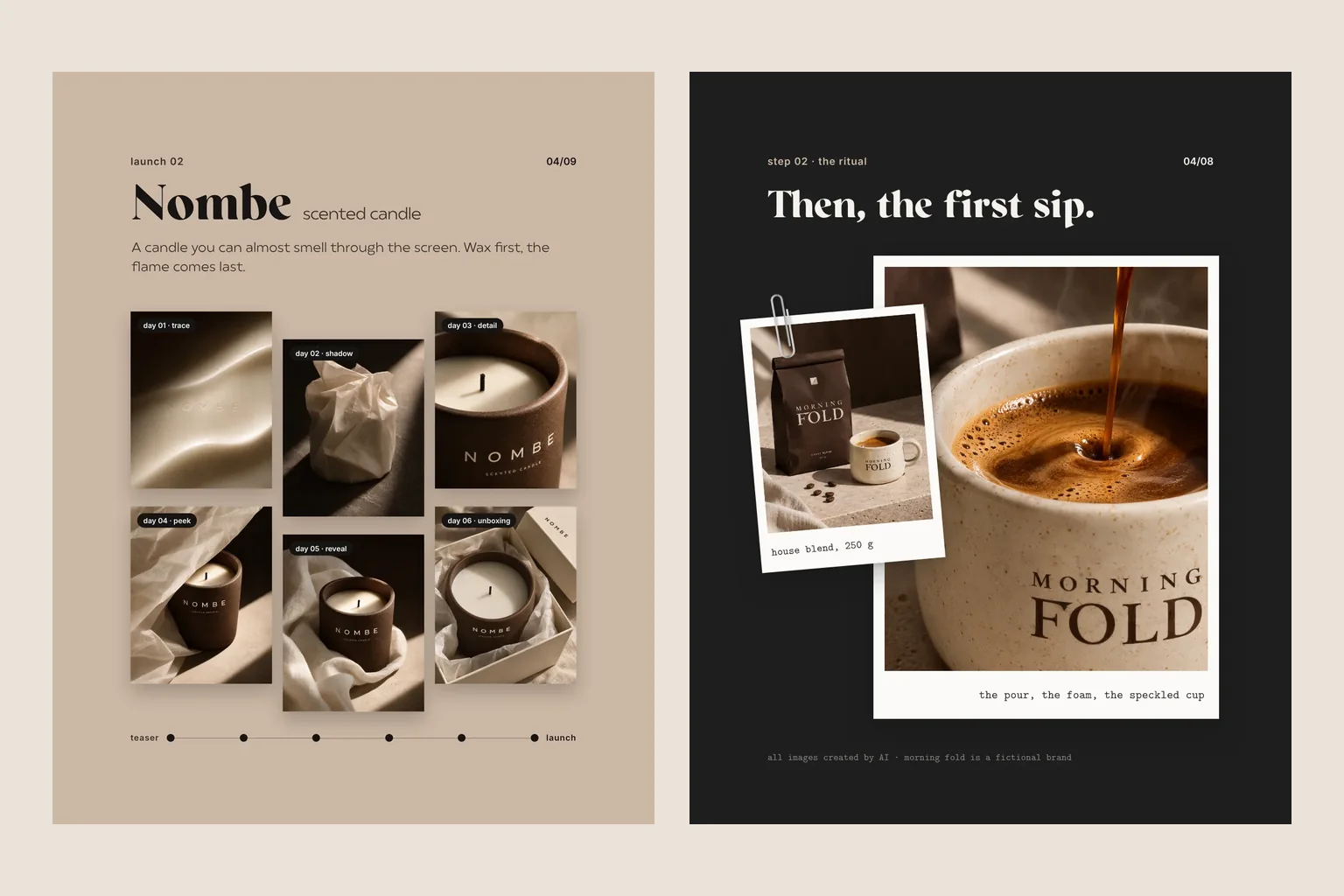
An AI video is not a feature film at the press of a button. For short clips in your feed, on your website and in campaigns, though, it is a strong tool. Here is how to plan one, whether you try it yourself or have it made.

AI video works best for short clips: movement in a product image, moods, loops and scenes that are hard to film. Plan the stills first, then the movement, and finish in the edit with sound and subtitles. Long stories, dialogue and exact product details remain difficult.
An image starts to move: fabric drifts, light travels across a bottle, someone turns towards the camera. AI video now makes short moments like these possible without a set, a shoot day or travel. At the same time, feeds are full of clips that jitter, blur or simply look like AI. The difference is rarely the tool. It is the planning: what should move, for how long, and why?
What is an AI video?
An AI video is created entirely or partly with a generative model. There are two routes. With text to video, you describe a scene and the model generates the clip. With image to video, you provide a still and the model sets it in motion. For brands, the second route is almost always better, because the still fixes the light, colours, product and framing before anything moves. An AI clip usually lasts only a few seconds. Longer videos are made by editing several clips together and adding sound, text and transitions.
What AI video is good for
AI video is strongest where a short movement says more than a photo and where a real shoot would be too much effort:
- Moving product images: a lid opens, cream catches the light, a drink fizzes.
- Mood clips and loops for website headers, Stories and Reels.
- Scenes that are hard to film: a beach in winter, a room that does not exist, a change of season.
- Teasers for a launch before the real product has been photographed.
- Animated versions of existing campaign images, so your feed and ads do not stand still.
- Early ideas and mood films to test a direction before planning a real shoot.

Your AI video shot list
Where AI video reaches its limits
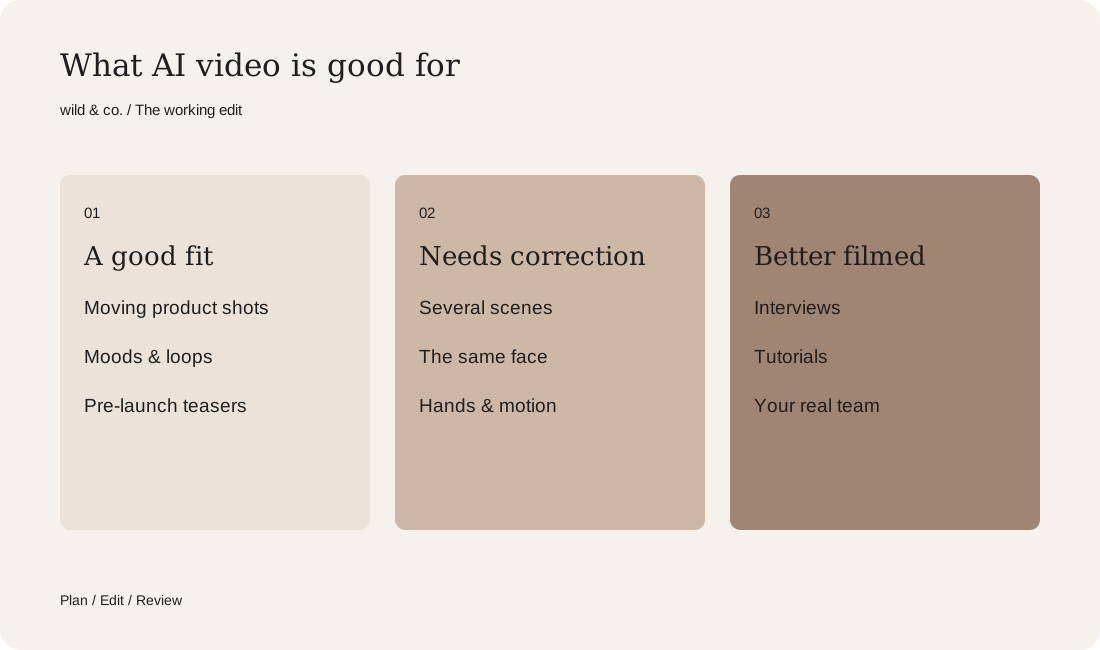
To be honest, much of what impresses in demos is still difficult in everyday work. Long, connected stories with the same characters need a lot of correction, because faces, clothing and hands can drift from clip to clip. People speaking with clean lip movement, text inside the frame and exact product details such as labels or logos are prone to errors. Hands and fast movement are often the first giveaway. For a tutorial, an interview or a video in which real people from your team speak, a real shoot is usually the better choice. Our guide to AI images for business also covers when real footage makes more sense.
From still to clip: how it works
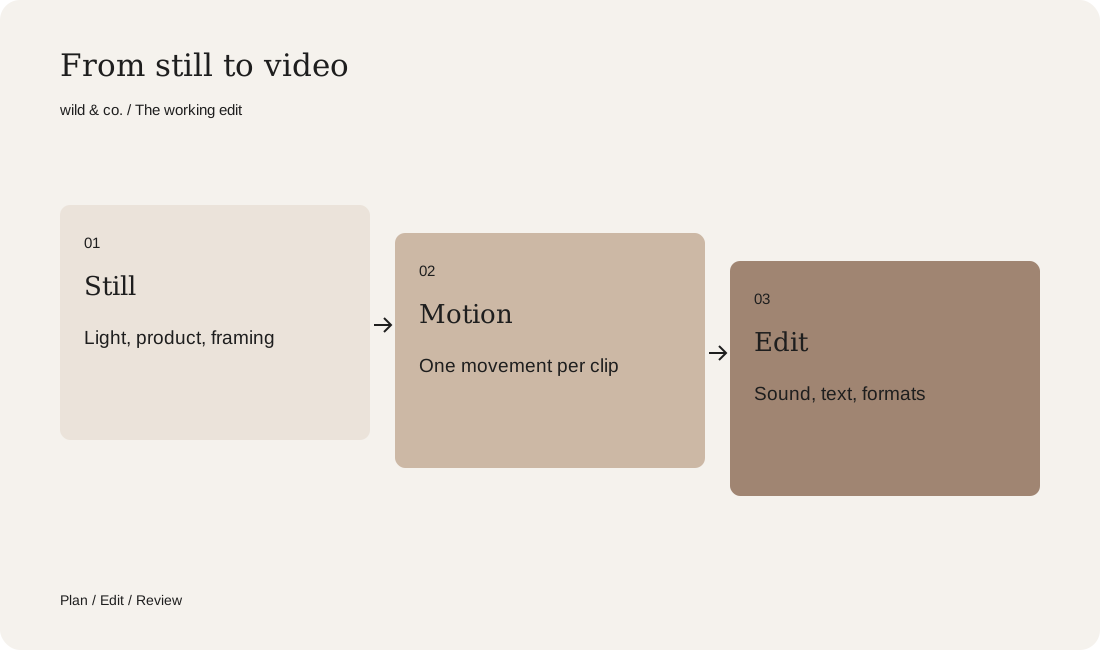
A good AI video does not start with movement but with a good image. First we agree the goal, channel and format, for example a vertical Reel or a calm loop for the website. Then comes a shot list: which scenes, in which order, with which movement. For each scene, a still is designed and refined until light, product and framing are right. Our guide to the AI photoshoot shows how this works for lifestyle imagery. Only then is each image animated, usually with several attempts per scene. The best clips go into the edit, where music, sound, text and subtitles are added.
Describing movement: less is more
The most common mistake is too much movement. When the camera, the person, the hair, the light and the background all move at once, the clip feels restless and artificial. One main movement per clip works better: the camera pushes in slowly, or fabric moves in the wind, or a hand reaches for the product. Describe movement the way a camera operator would: slow zoom, sideways track, locked-off camera. And plan clips that begin and end cleanly, so they connect in the edit or repeat as a loop.
Formats, sound and subtitles
Decide the format before production. Reels, Stories and TikTok need vertical video, website headers usually landscape, feed posts often something in between. Cropping an image afterwards often costs exactly the detail that mattered. Many people watch without sound, so the key messages belong on screen as text or subtitles. Music and sound effects make the difference between a moving picture and a small film. Make sure you hold the rights to any music, and on social media use the platform's music library when in doubt.
Rights, labelling and trust
The same principles apply to AI video as to AI images. Do not use real people, brands or works without permission. If you want to animate an existing photo of a person, you need their consent. Check the tool's terms for commercial use. And be open about it: platforms such as Instagram label some AI content themselves, and many brands add a note voluntarily. With products in particular, the video has to show what customers will actually receive. A cream that looks different in the clip than in the jar costs trust. Our guide to AI product imagery covers realistic product worlds in more detail.
Do it yourself or have it made?
For a single clip or a first idea, common tools and some patience are enough. It gets demanding when several clips need to match, when the same face or product must look identical in every scene, and when the result is an edited video with sound, text and formats for several channels. That is when a team that thinks concept, stills, animation and edit together pays off. Use the shot list above to note what you need. At wild & co. in Zurich we create AI imagery and AI video for brands across Switzerland, in person or remotely.